Repost booking system
Stop running repost slots out of your inbox.
The "is this paid yet?" spreadsheet, the manual reposting, the back-and-forth over dates - Premierely handles it. Artists book and pay on your storefront; you set the terms.
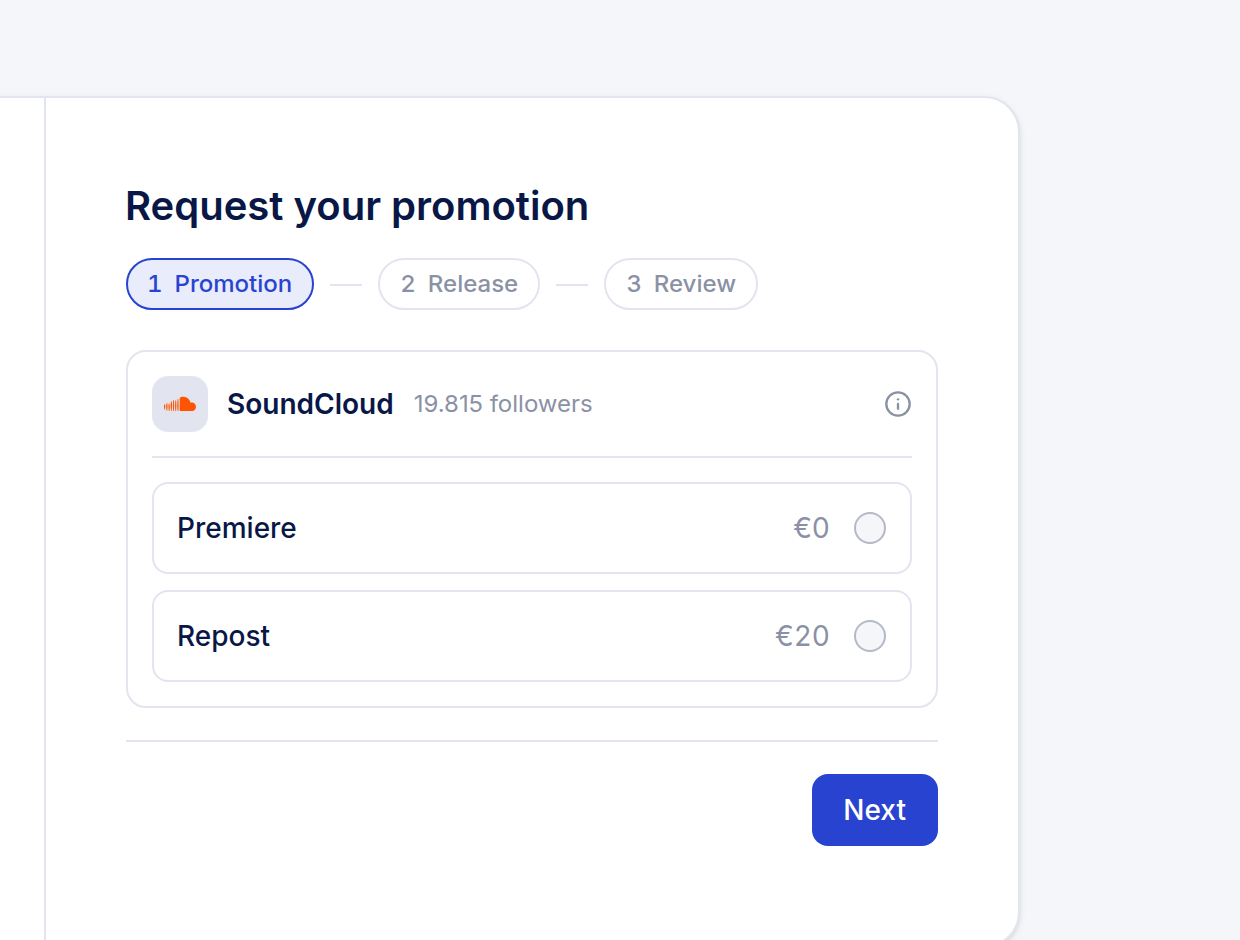
Booking form
A repost needs a link, not a file upload.
The artist pastes the link to a track already on SoundCloud, and Premierely resolves it against your open slots. There is no audio to chase and no artwork to wait on - the request is ready to schedule as soon as it is submitted.
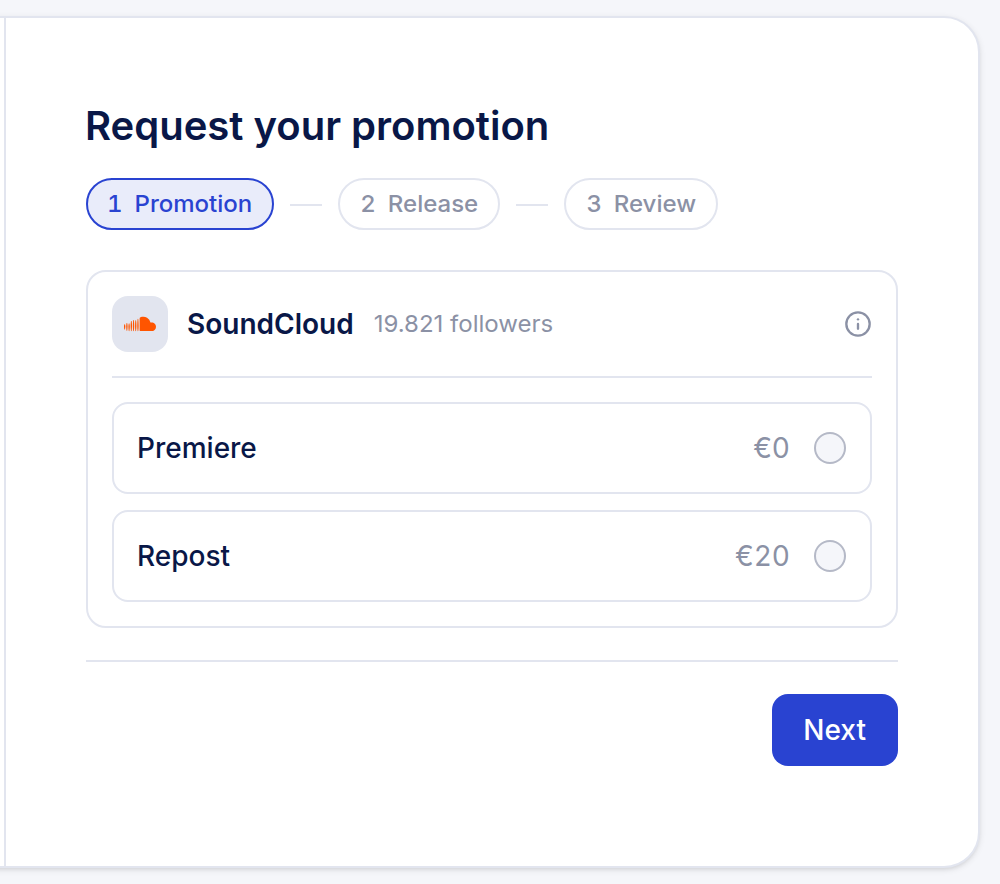
Payment
Artists pay at booking, not after three follow-up emails.
You set the repost price on your storefront, the artist pays at checkout, and the date locks automatically. An unpaid checkout releases the slot again after 30 minutes instead of sitting reserved on a maybe.
Templates
Custom booking-form fields drop into your repost captions as chips.
Pro lets you add your own fields to the booking form, then insert them as one-click chips into your caption templates. Set the template once, and every future repost fills those fields in automatically instead of you retyping the same details each time.
Calendar
A booking calendar that enforces your own limits.
Pro lets you block dates you are unavailable, allow or refuse same-day requests, cap how many reposts you accept per day, and send scheduling reminders ahead of the publish date. The calendar enforces the limits you set, so double-booking and forgotten dates stop being your problem.
Instant repost
Instant reposts publish within about a minute of payment.
Skip the calendar entirely: an instant repost is checked and published within about a minute of the artist paying, on every plan, free included. There is no queue to watch and no reminder to set for yourself.
Questions
Do I have to repost manually?
No. Premierely reposts from your connected SoundCloud channel at the booked time, and instant bookings publish within about a minute of payment.
What does it cost?
Free covers the storefront, calendar and auto-repost, capped at 1 publish per day and 3 paid inbound bookings per month. Pro (10 EUR per month or 100 EUR per year) removes the caps. Paid bookings carry the flat 5% platform fee on both plans.
Can I sell premieres and reposts side by side?
Each service has its own switch and price in your settings - off, included or paid - and a Pro channel can hold a premiere and a repost on the same day in separate slots.
Does a repost ever publish to more than my own channel?
No. A repost publishes from the channel you booked it on. Booking one repost does not fan it out anywhere else.
You set the terms, and the reposts run themselves.
Connect your channel and put repost prices on your storefront.
Get your booking link