New
Create download gate playlists
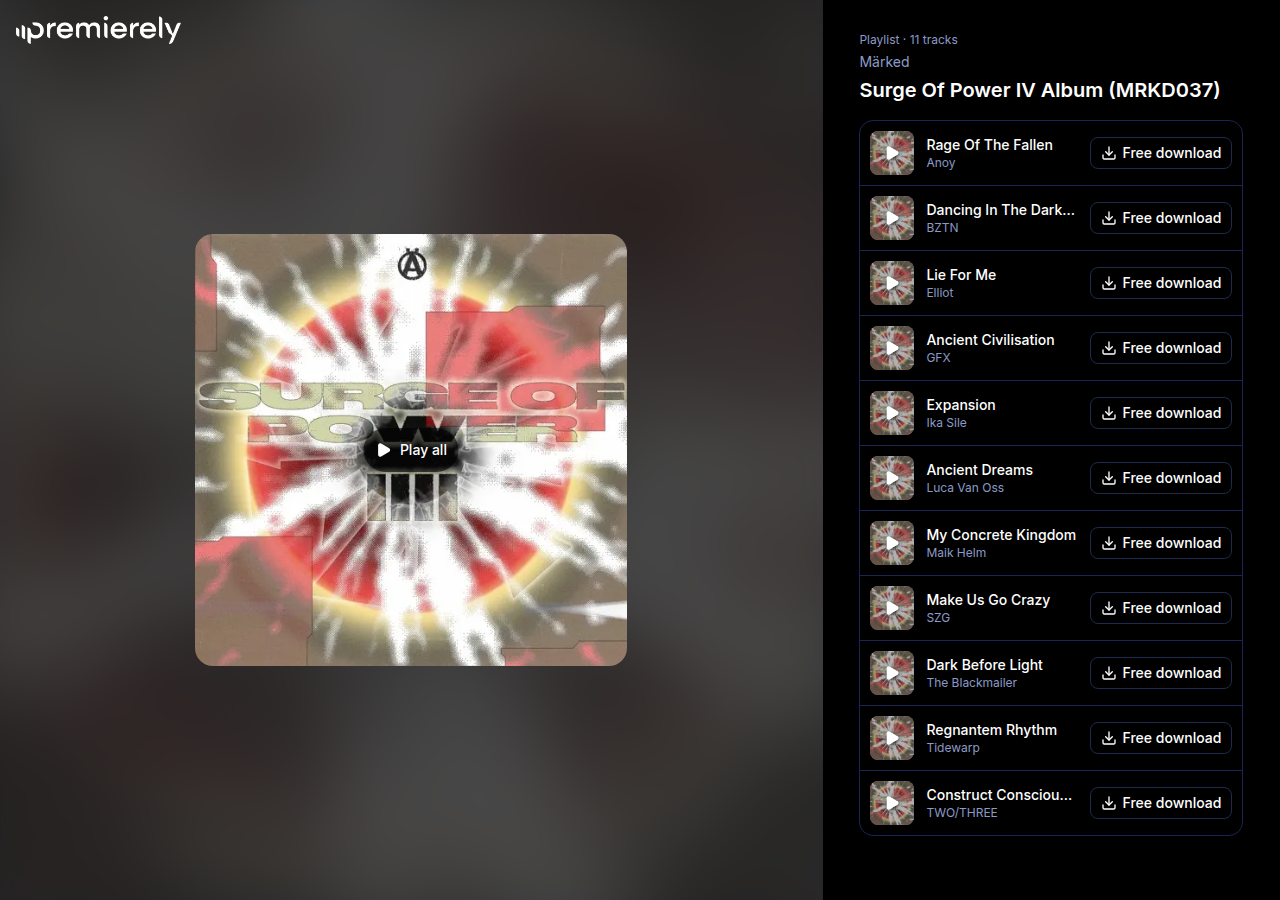
You can now group up to 20 download gates into one playlist with its own link, so fans find every track of an EP or a pack of edits on one page. Gate playlists are part of Plus.
Resources
The latest improvements to Premierely, in plain language.
You can now group up to 20 download gates into one playlist with its own link, so fans find every track of an EP or a pack of edits on one page. Gate playlists are part of Plus.
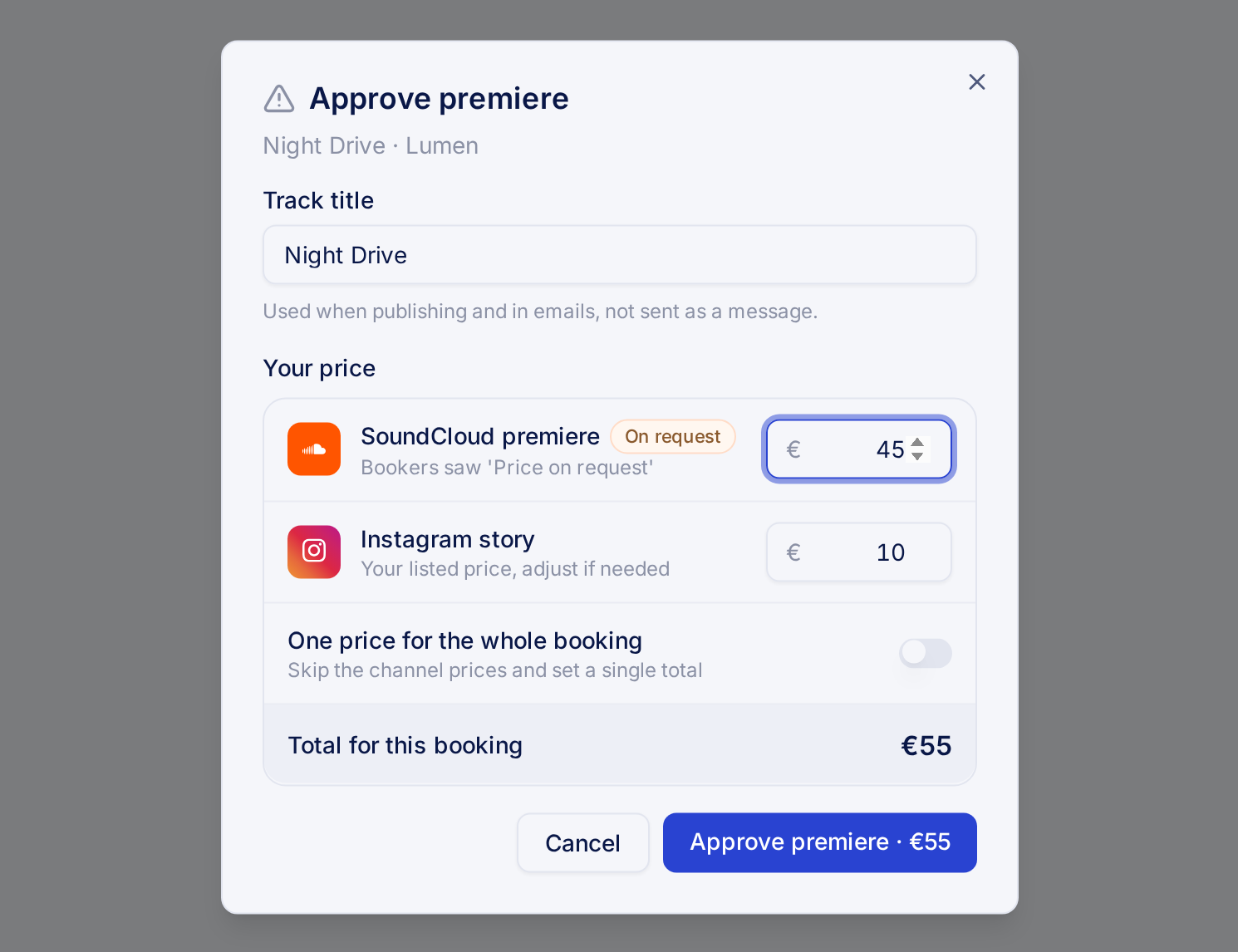
You can now set any promotion service to price on request and name the price when you approve, so custom work like a label bundle books as easily as a fixed service.
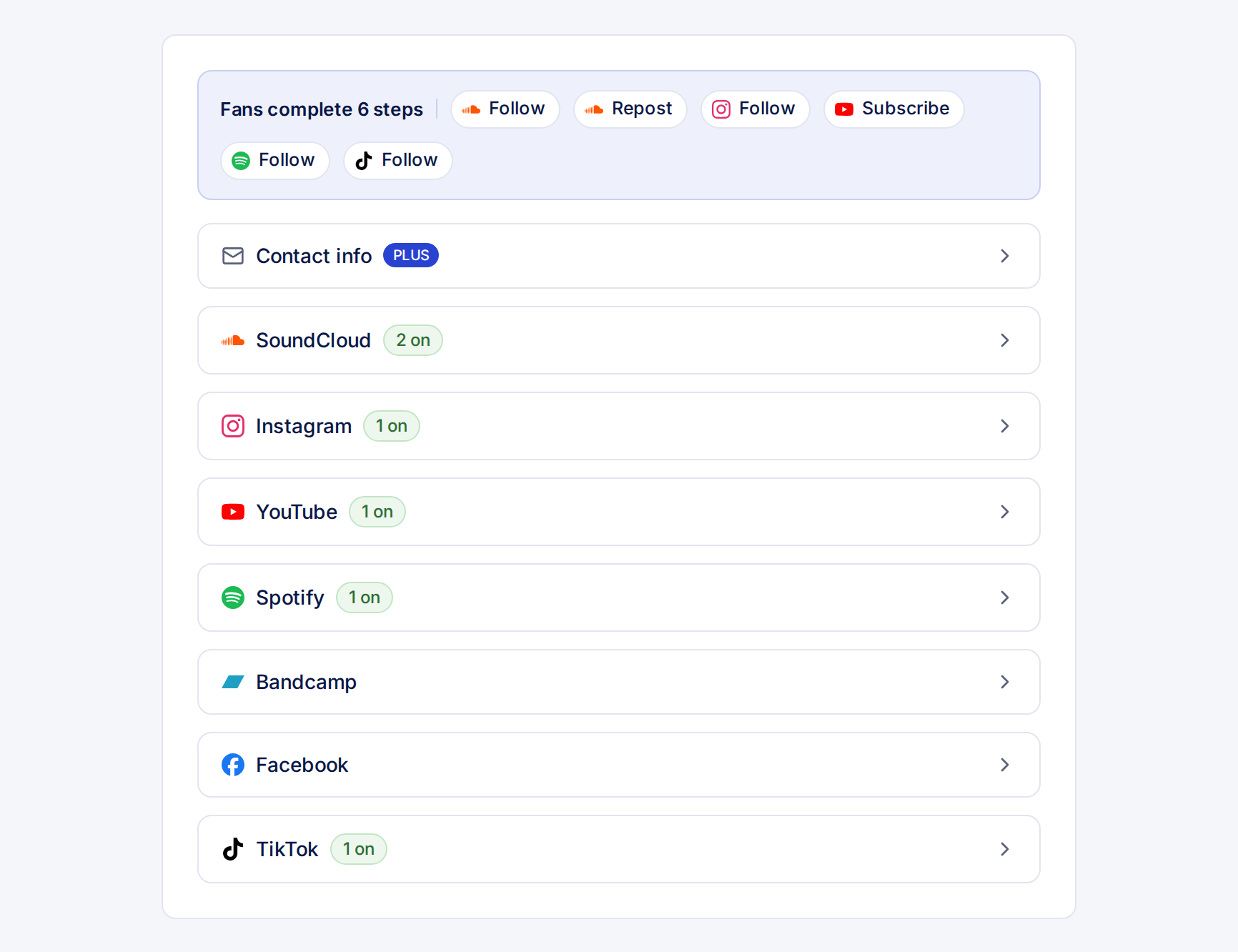
Download gates on the Free plan can now ask fans for 18 more steps across Instagram, YouTube, Spotify, Bandcamp, Facebook and TikTok, on top of the 4 SoundCloud steps, so every download grows the platforms you care about.
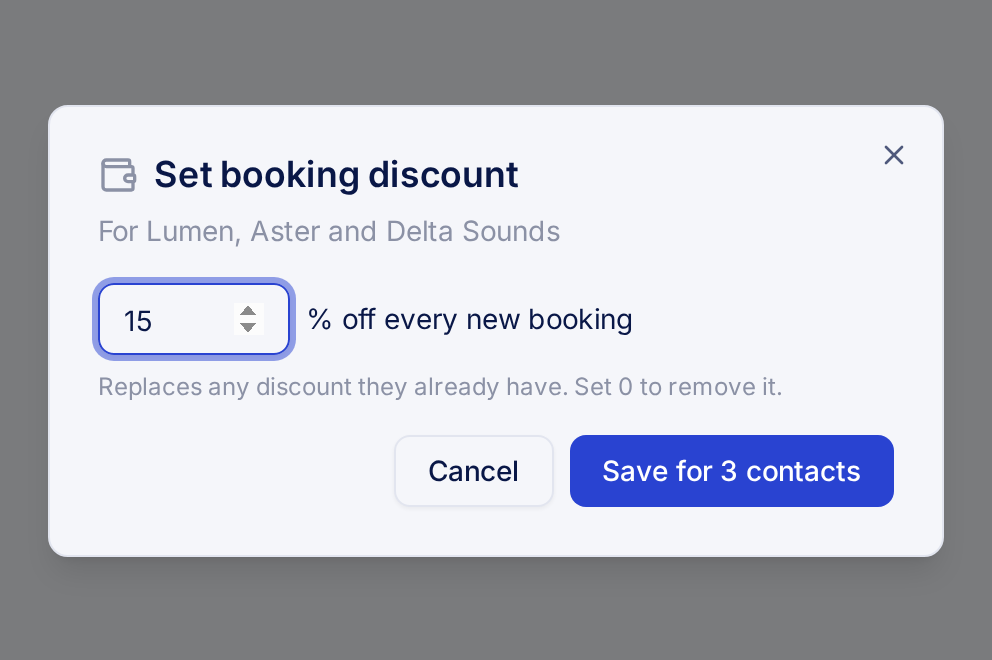
You can now give your regular bookers a fixed discount on every booking, so the people who keep coming back get rewarded without you doing the math each time. Discounts are part of Pro.
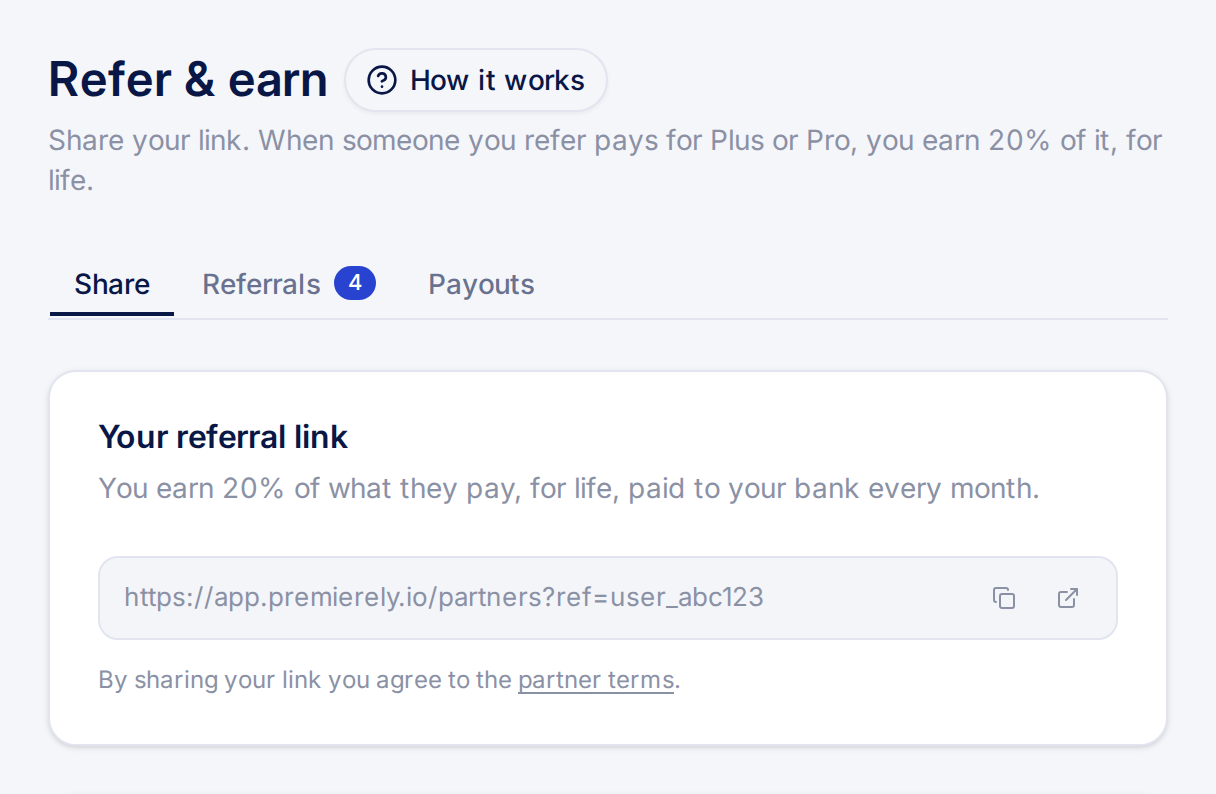
You now earn 20% of every Plus or Pro payment from people you refer to Premierely, for as long as they stay subscribed. Artists and labels who sign up through your booking form and fans who come in through your download gates count as yours automatically. We pay it out to your bank every month.
If you run a channel and you can't or don't want to open a Stripe account, switch on Handle payments outside Premierely under Settings > Payments and write your payment instructions once. Every artist or label you accept gets them in chat and by email.
When the money lands you click Payment received, and the booker picks a date. You save a card first, because the usual 5% + VAT fee is charged to that card, or added to your next invoice if you pay for Pro monthly. On Free, these bookings count toward the monthly paid booking cap.
If you book promotion as an artist or a label, you pay the curator the way their instructions say, and you pay no fee to Premierely.
The Free plan holds 3 active gates at a time. Plus takes that cap away for €5 a month or €50 a year, so every release can keep its own gate running for as long as you want. You also get all the export and design options, but even more you can build and launch download gates straight from your favorite AI through our MCP connector.
Your link in bio gets unlimited links, plus a SoundCloud feed and a download gate feed that show your latest tracks and gates. There is no trial on Plus.
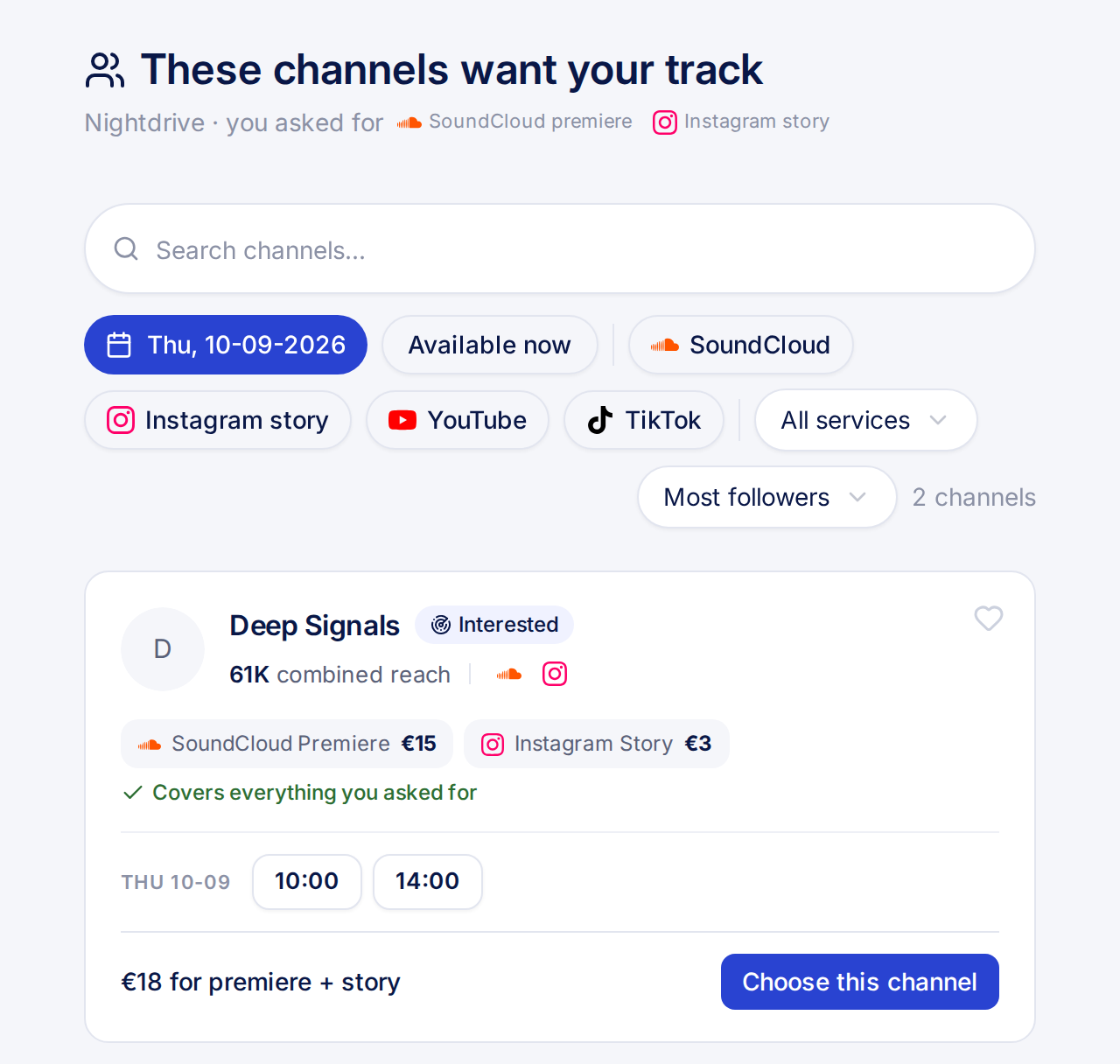
When a channel declines your track, it goes into Find leads. Every channel that wants it shows up on one page with its reach, services and price. Choose one, submit, and the booking is accepted automatically at the price you saw. The decline email has a link to keep a track out.
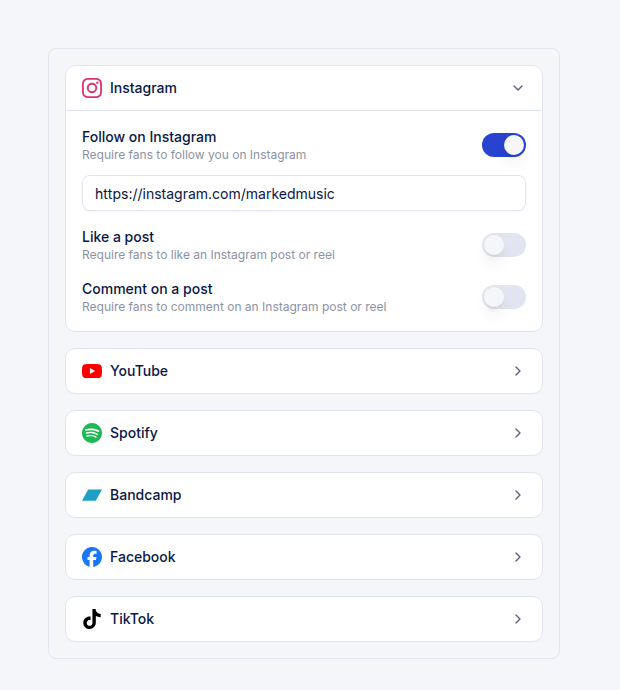
Your download gate now carries 18 more actions beyond SoundCloud, across Instagram, YouTube, Spotify, Bandcamp, Facebook and TikTok, so a fan can follow, subscribe, save or comment before the file unlocks.
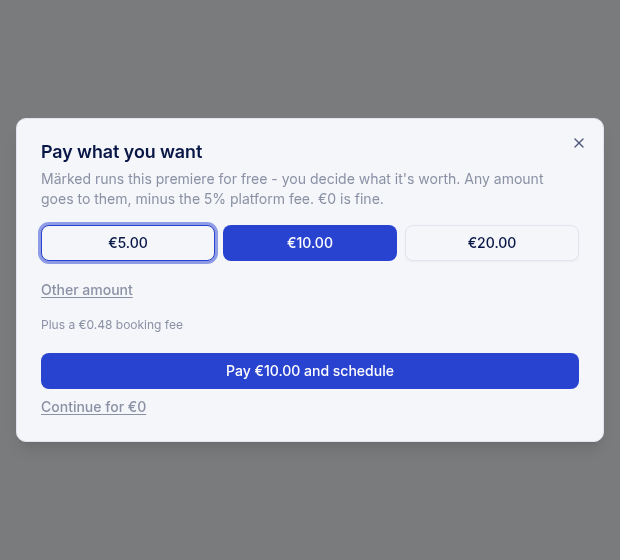
A slot you give away for free can now invite the artist to pay what they think it is worth. They see a few suggested amounts and a field for their own number, and continuing for zero stays one click away.
YouTube videos used to render as your artwork on a black square. You now design the whole frame on a canvas, placing the artwork and your logo where you want them, with a colour, an image or a looping video behind them.
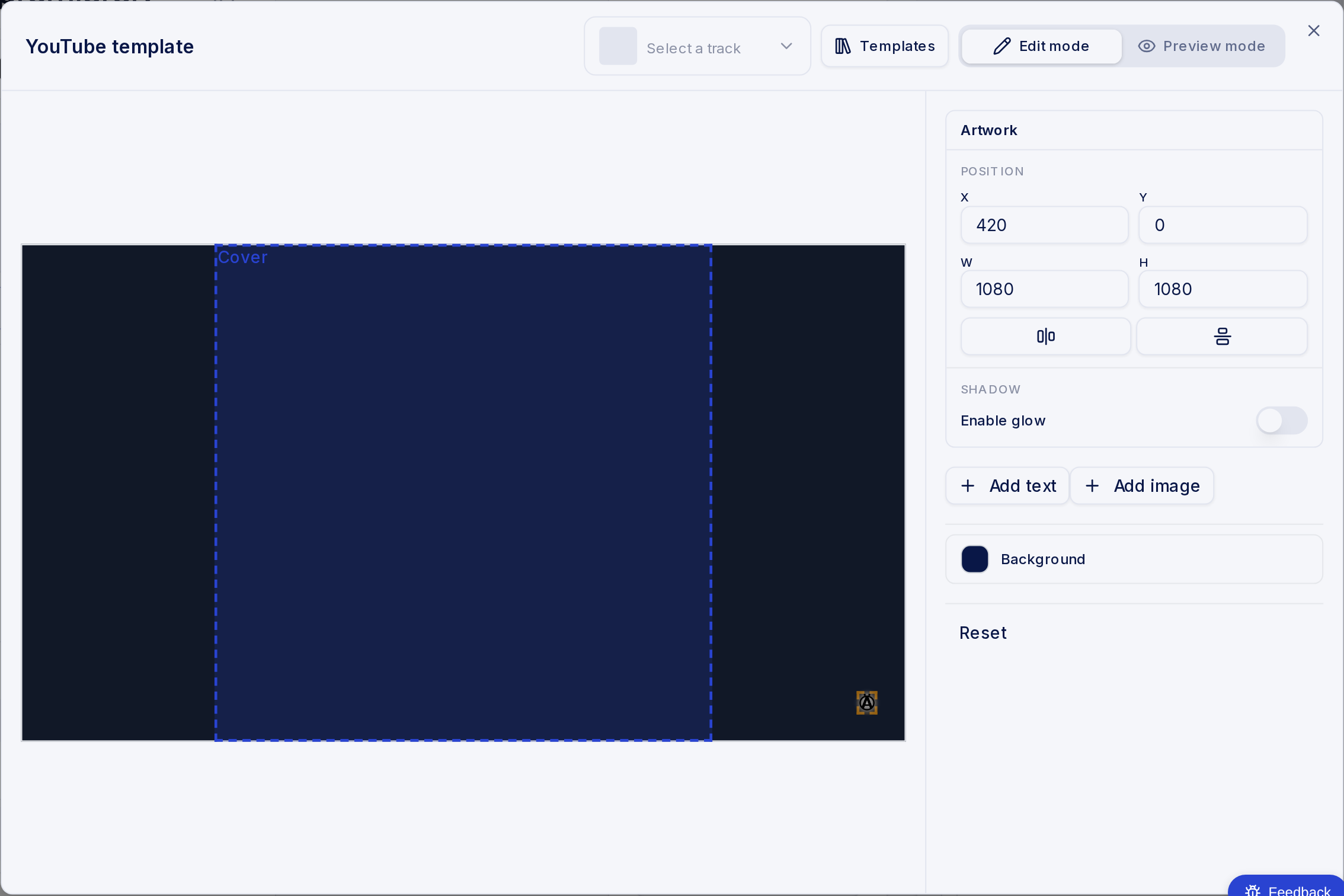
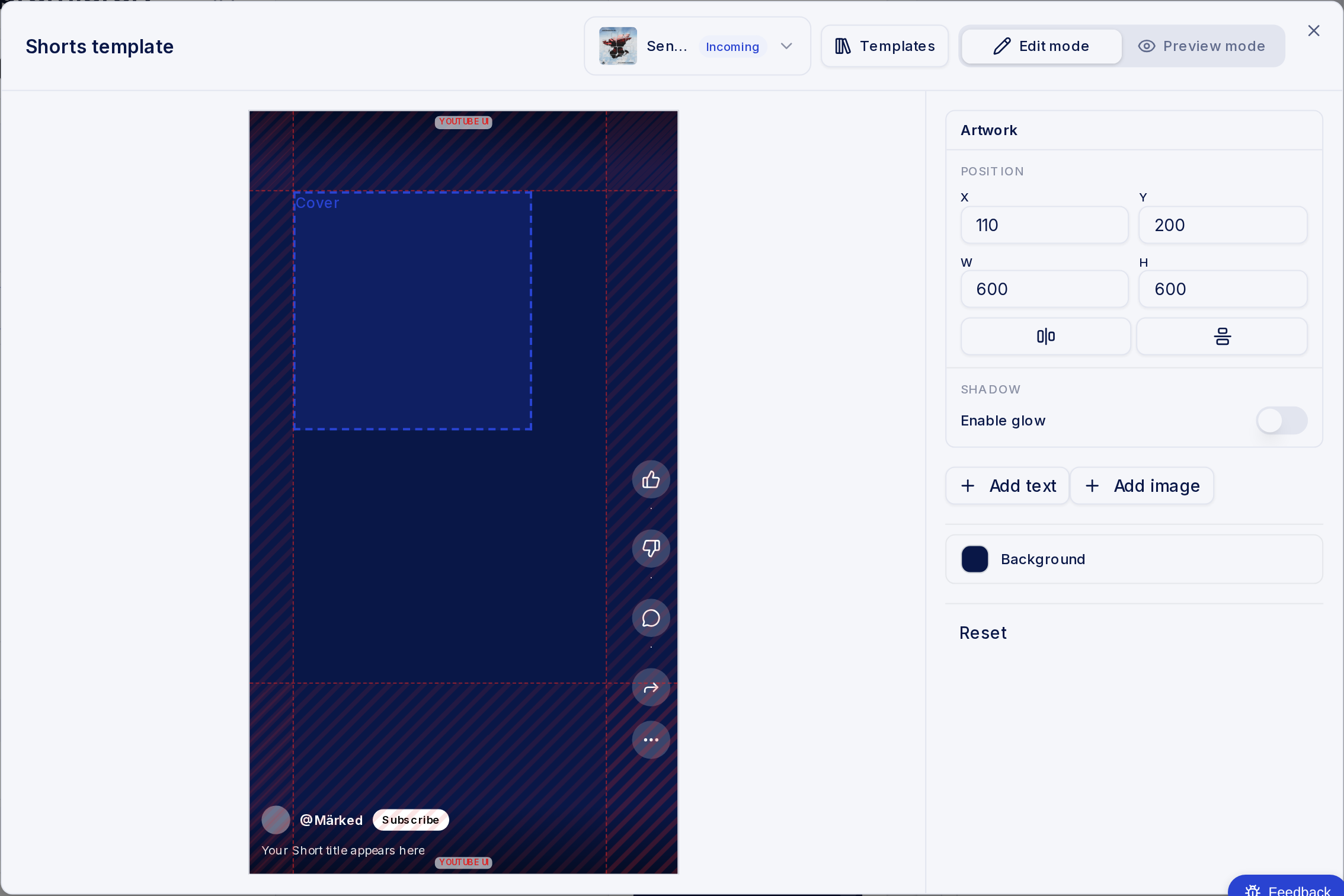
Channel owners can now add YouTube Shorts to their promotion offering. When someone books a premiere on SoundCloud, a Short goes live the moment the premiere publishes, built from your Shorts template.
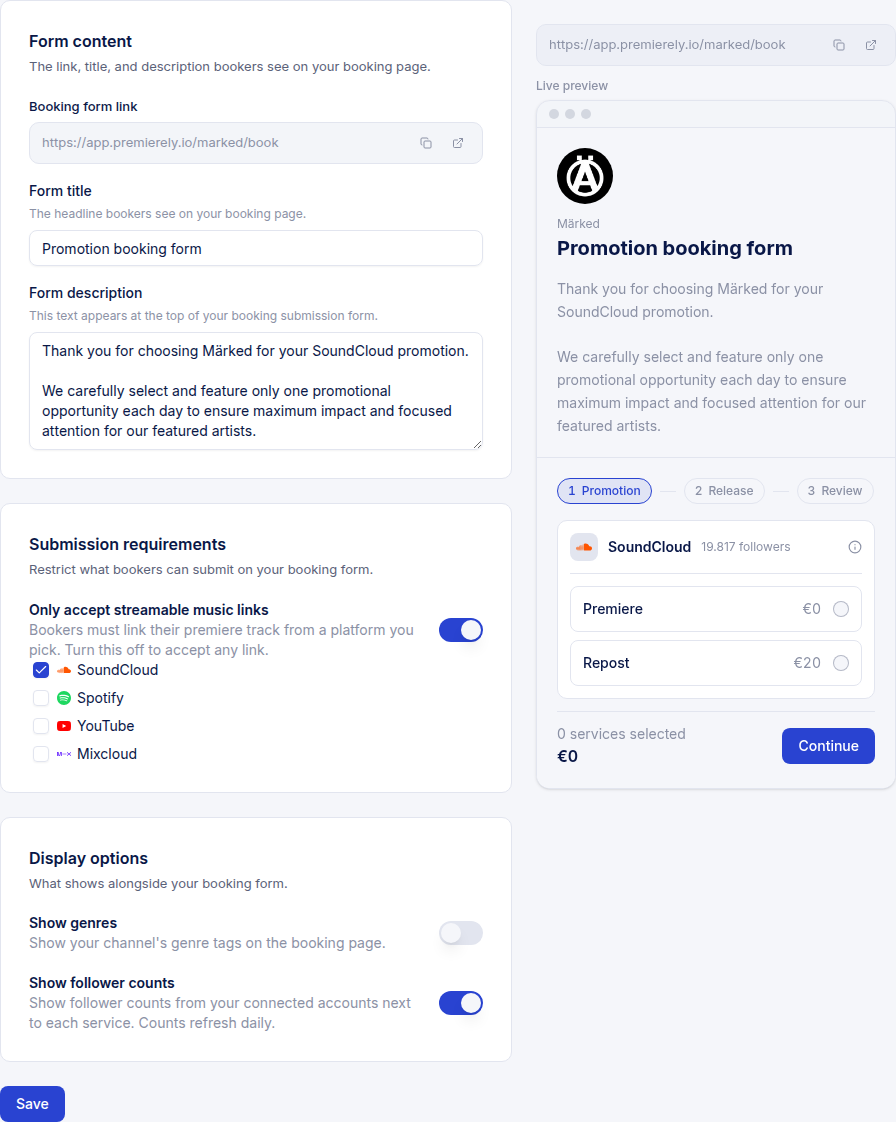
Your booking form now has a live preview sitting next to the settings. Change a service, a price or a field and the preview redraws while you type, so you see exactly what a booker sees before you save.
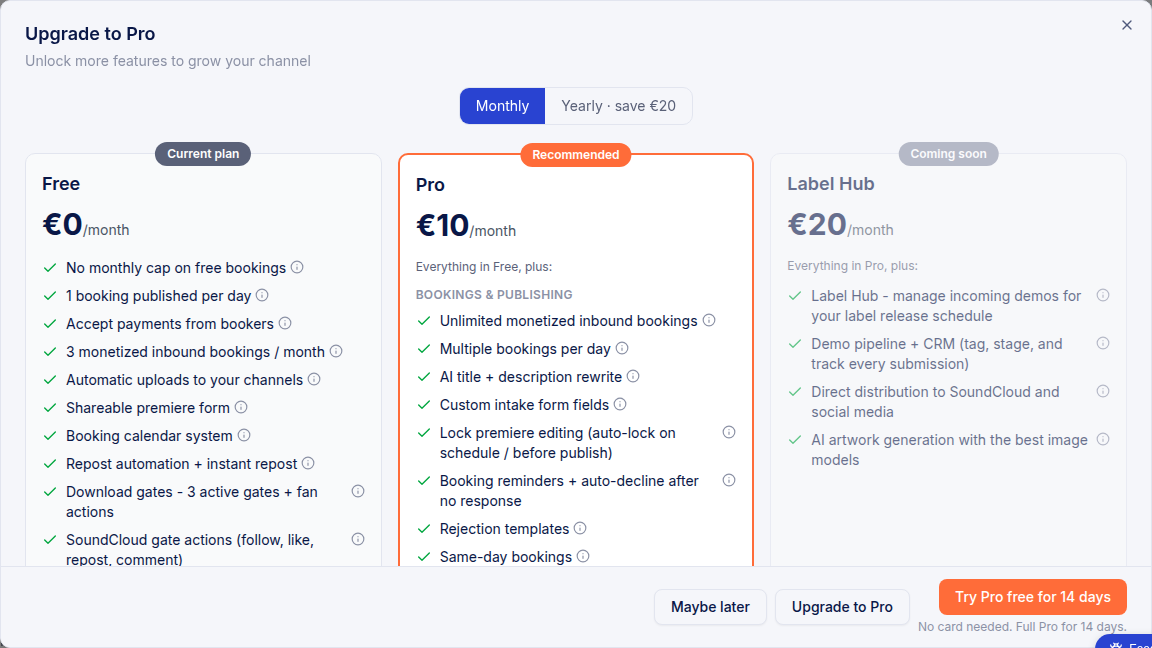
If you have never had Pro, you can switch it on for 14 days straight from your account and nothing asks you for a card. When the fortnight is up you drop back to free unless you decide to stay.
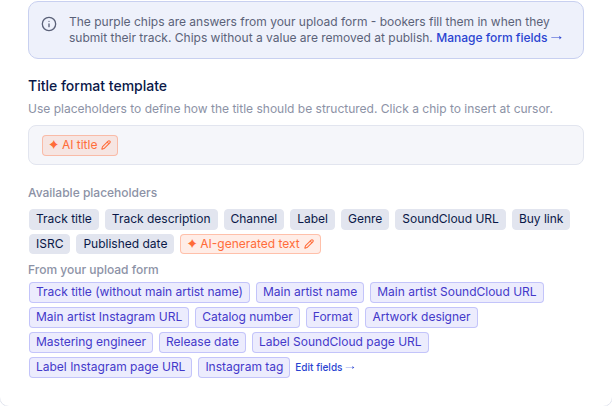
Your title and description templates are built from chips now. Drop in track details, your own text, or an AI chip that writes a line for you - and decide whether that AI runs when the track is scheduled or right at publish.
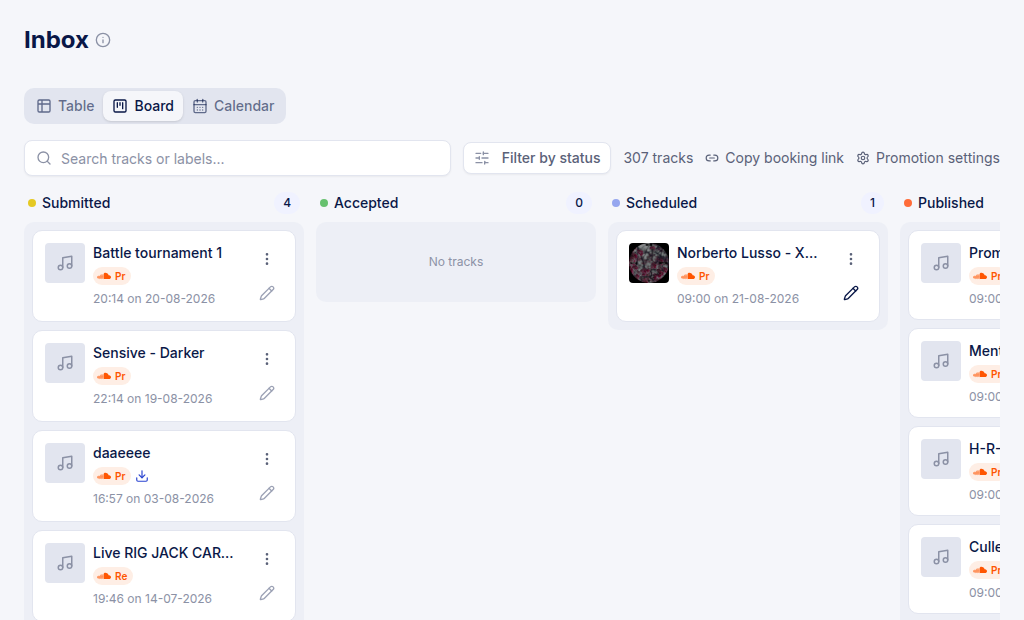
Your inbox opens as a table, a board or a calendar, and it remembers whichever one you pin. The board puts each request on a card with its services and status on one line, so you can work the queue without opening anything.
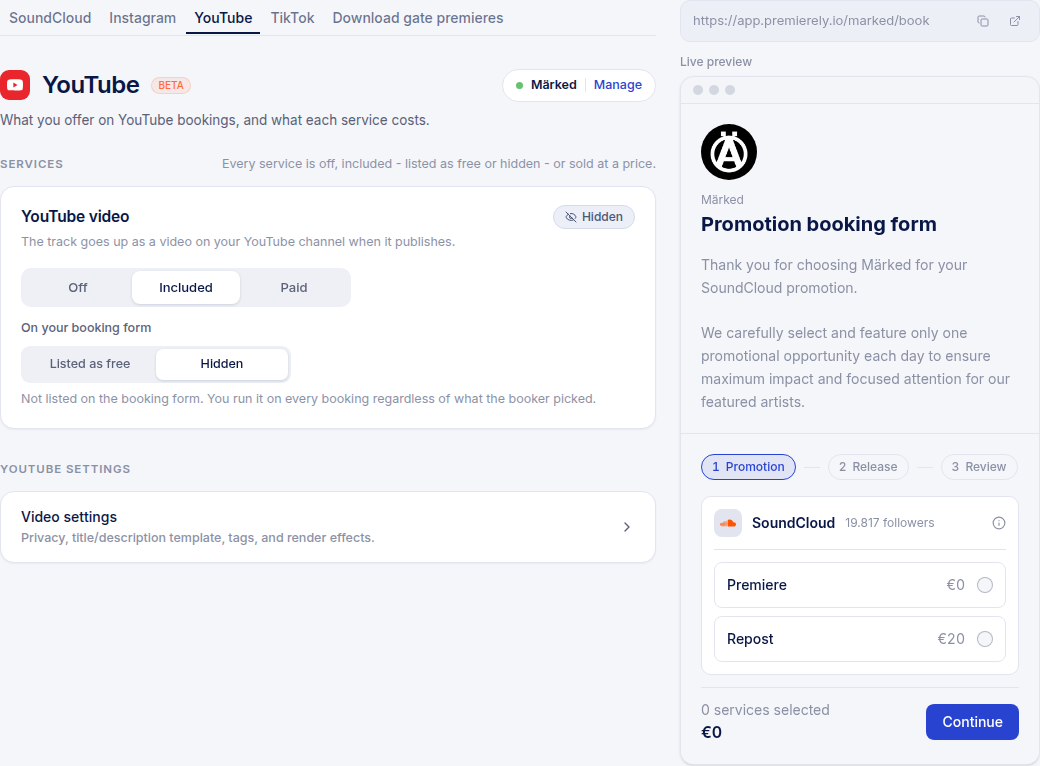
Connect your YouTube channel and the same approval that schedules a premiere puts a video on YouTube when the track goes live. Premierely builds the video from the artwork, adds your logo, and writes the title and description from your own template.
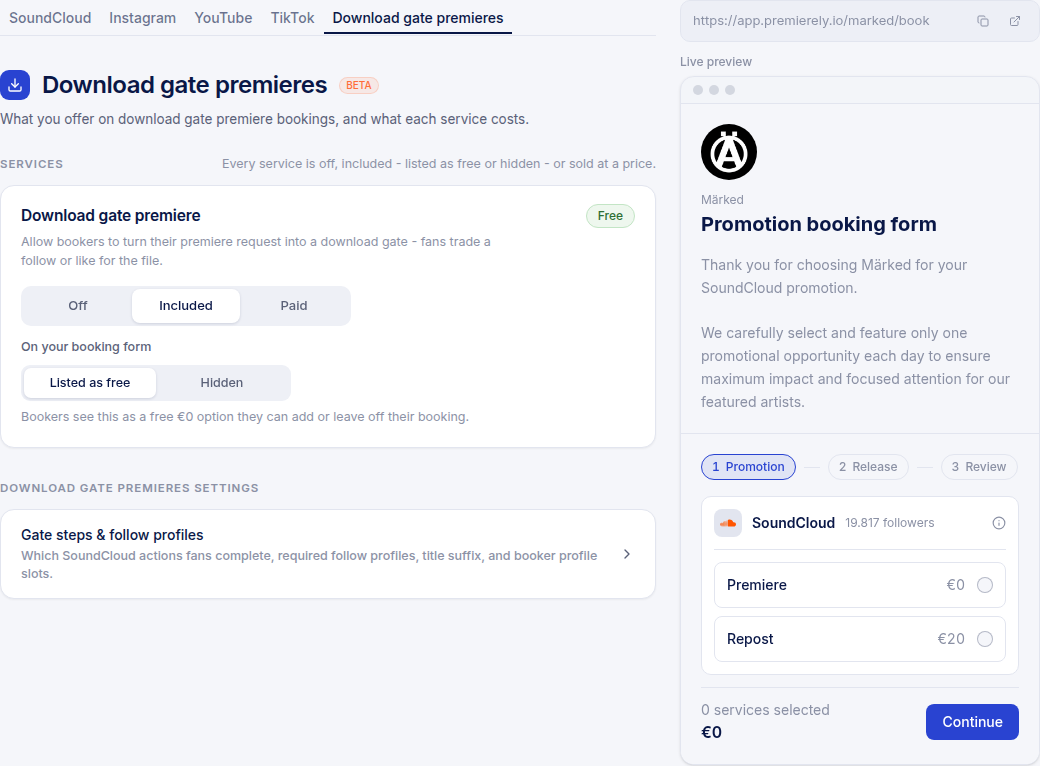
A booker ticks one box while booking. When the track publishes, Premierely builds the gate, puts the download link at the top of the SoundCloud description and sets it as the buy link. You choose whether it is off, included with every booking, or sold at its own price.
Grab your connector URL from Settings > Integrations > MCP and add Premierely to whichever AI you use. Sign in once and it can work on your gates for you.
From then on you can ask it to create a gate, add the SoundCloud steps you want (follow, like, repost, comment), take the gate live, pull your leads, export a CSV and read your view and completion numbers. Everything the dashboard does, 18 tools in total.
The best part is pairing it with your storage. Connect Google Drive in the same AI, point it at a folder, and it pulls the files and builds the gates for you. No uploading, no clicking.
You stay in control: it only ever touches your own gates, and taking one live or deleting one always needs an explicit yes from you.
Connect your Instagram business account in Settings > Integrations, then design your Story template once in Settings > Promotion: your background, the cover art slot, up to 8 text chips and a 15 second audio clip pulled from the track.
After that it runs on its own. Every premiere you publish posts as a Story in your own layout, with the artist's handle tagged from their booking form answer. You can still flip it off for a single track from the inbox before it goes out.
It also makes you money. Set Instagram Stories to a paid add-on and bookers tick it at checkout - you set the price and keep 95%.
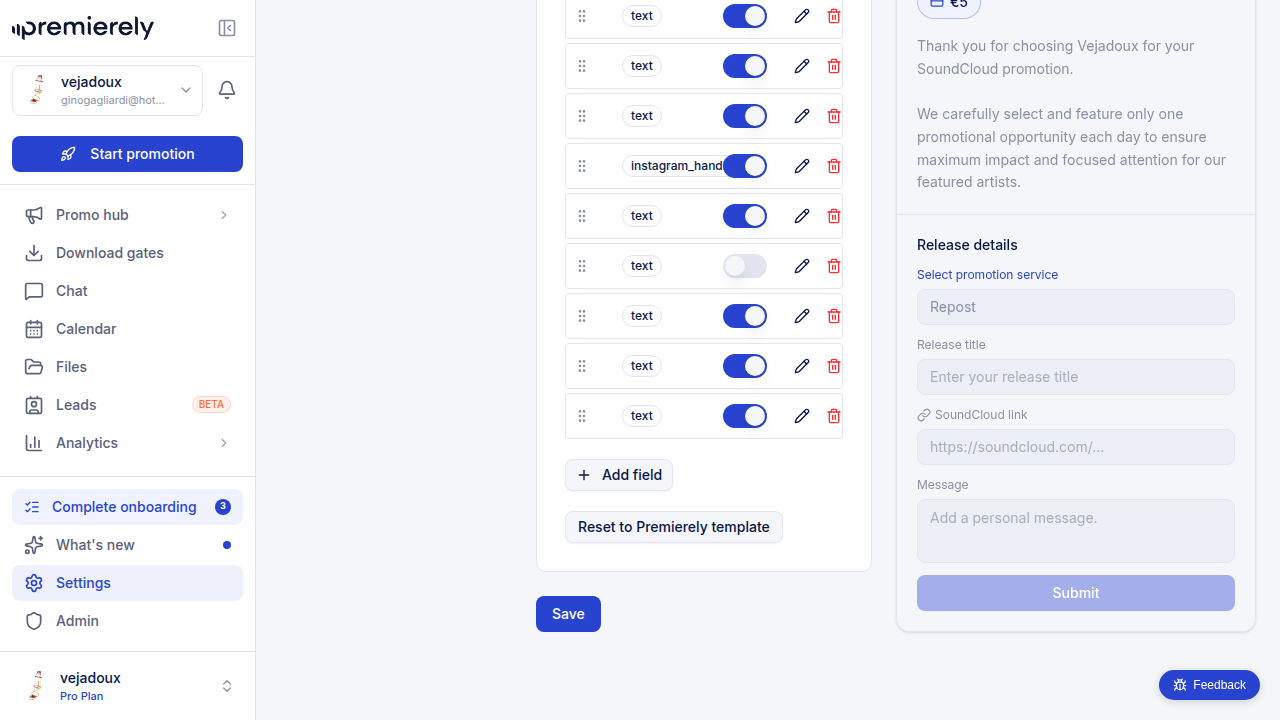
All custom fields are now required for bookers. Click any field card to edit it directly instead of using separate buttons.
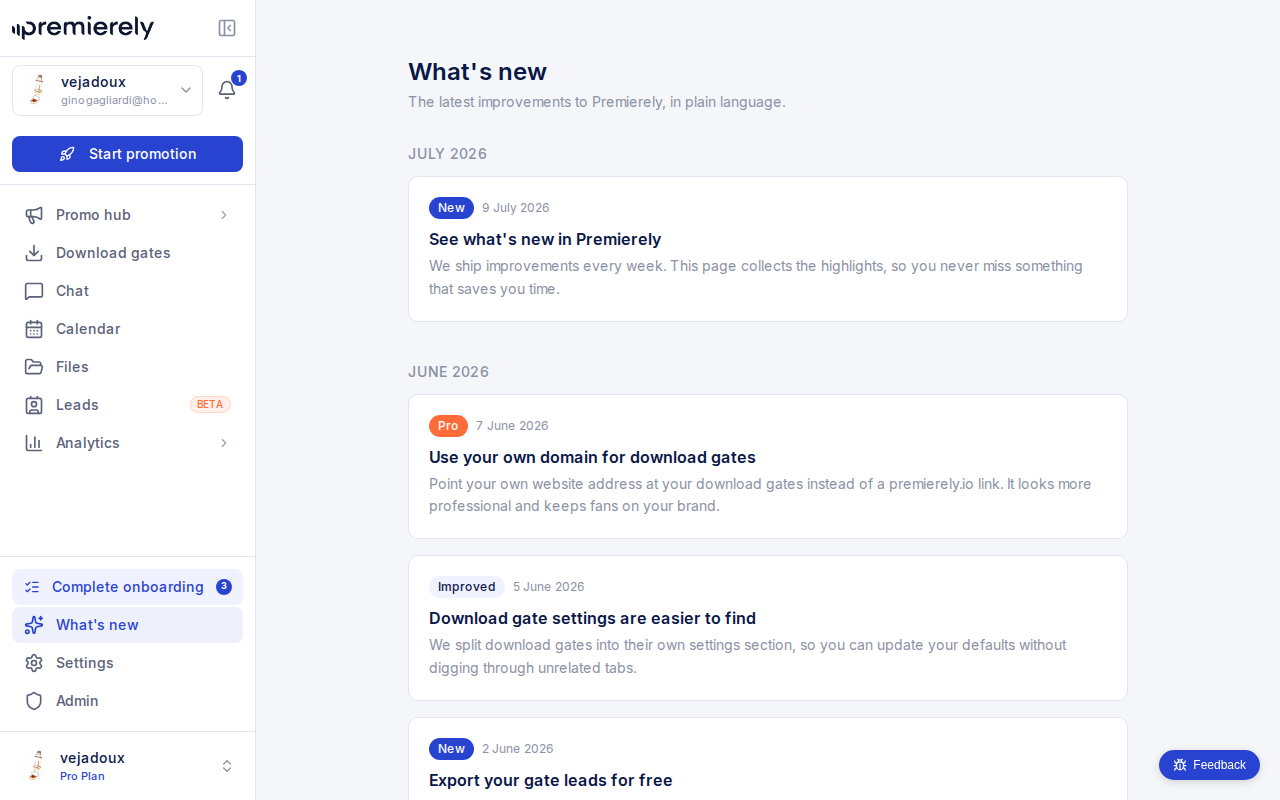
We ship improvements every week. This page collects the highlights, so you never miss something that saves you time.
We rebuilt the whole app on a modern stack. Same workflow, better everywhere:
Everything moved over automatically. If something looks off, use the bug button to tell us.
We use one analytics cookie
Premierely uses Google Analytics to see which pages help channel owners and which do not. Nothing is stored until you choose, and you can change your choice any time under Cookie settings in the footer. Privacy policy