SoundCloud repost automation
Automate repost requests from submission to payment and reposting
Stop chasing DMs and checking payments manually. Accept repost bookings, get paid upfront, and let Premierely publish at the scheduled time – without cluttering your feed.
Repost requests pile up. The manual work stacks with it.
Repost requests arrive scattered across DMs and emails while you’re already managing premieres, your own uploads, and label releases. Each request means another message thread, another payment to verify, another slot to find that doesn’t conflict with everything else on your calendar. Without a central system, you’re juggling multiple promo types across different tools – trying to keep track of what’s going out when, and hoping nothing overlaps. The more requests you accept, the harder it gets to stay organized.
What you can do with repost automation
Receive all repost requests in one place
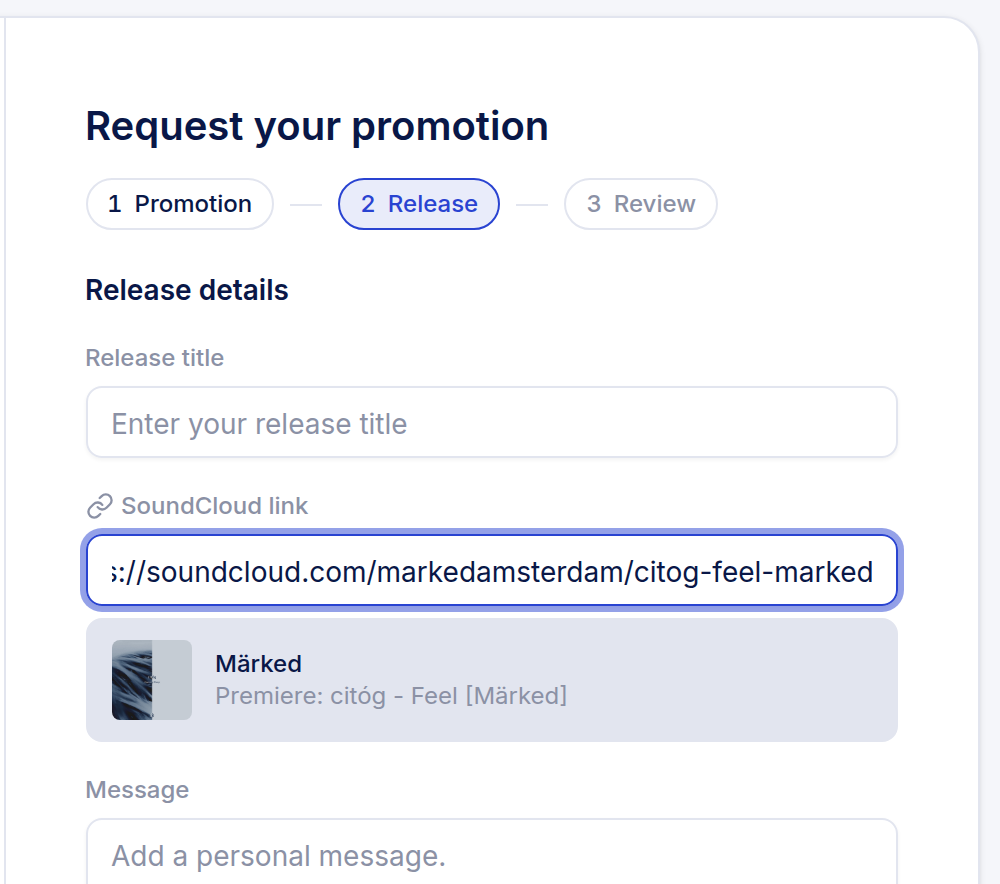
No more digging through DMs and emails. Artists submit directly to your channel with track details included.
Get paid before you commit to a slot
Stripe processes payment at booking. No chasing invoices or manually checking if funds arrived.
Share one calendar across premieres and reposts
Both service types draw from the same schedule. Book a premiere at 2pm? That slot is blocked for reposts too - no double posts.
Control your posting frequency
Set available time slots that match your content strategy. Premierely only allows bookings in open slots.
Let reposts publish without you
At the scheduled time, the repost goes live automatically via your connected SoundCloud. You don't need to be online.
Keep your feed clean
One shared agenda means you never accidentally stack a repost on top of a premiere. Your audience sees consistent, spaced-out content.
How repost automation works
1
Connect your SoundCloud
Link your channel using SoundCloud's secure login. Premierely gets permission to repost on your behalf.
1
Set your price and time slots
Choose what artists pay for reposts and which times are available. These slots are shared with your premiere calendar.
3
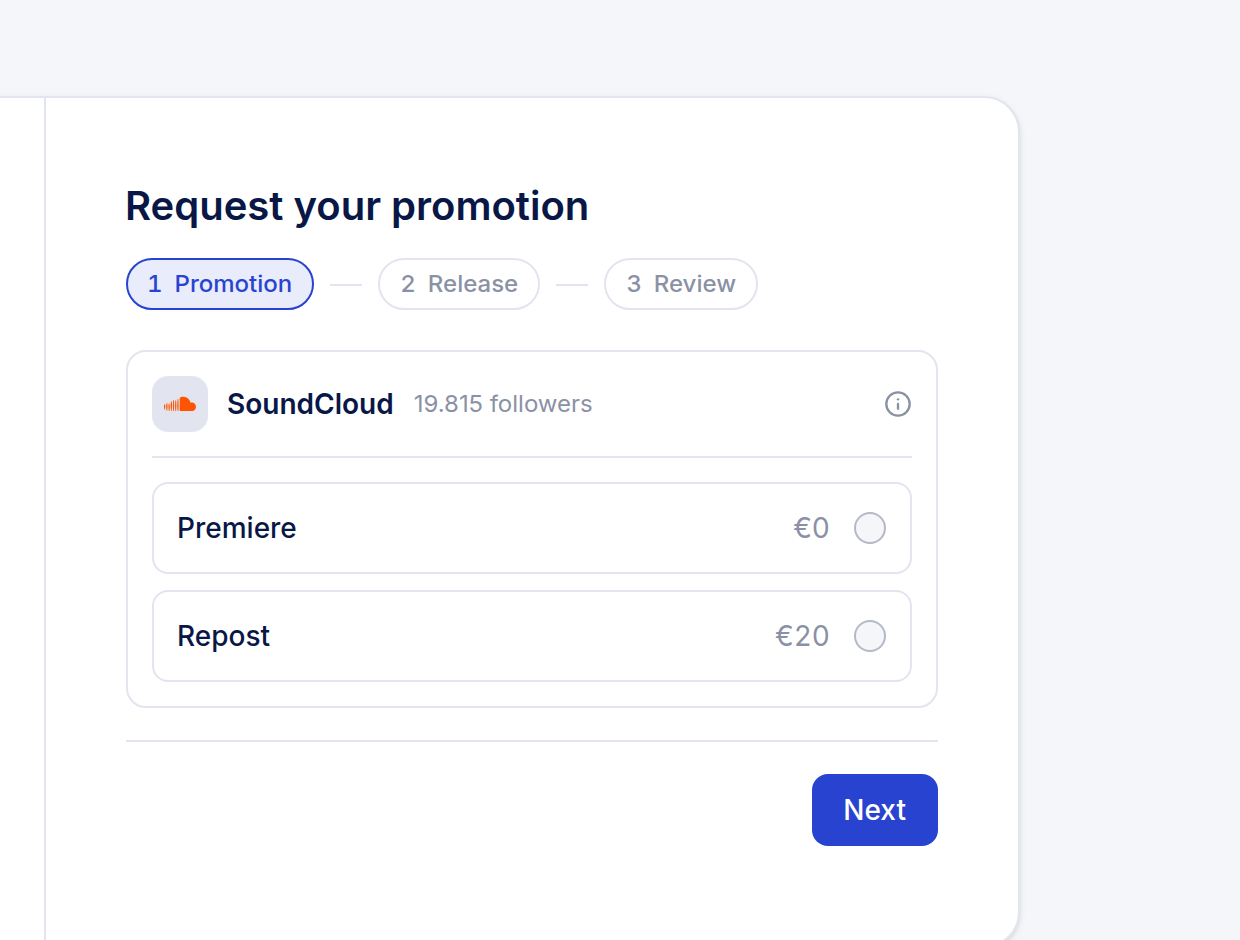
Artists book and pay upfront
When someone wants a repost, they pick an open slot and pay through Stripe checkout. No back-and-forth negotiation.
4
Premierely reposts automatically
At the scheduled time, the track gets reposted to your channel. Both you and the artist get a confirmation email.
Built for SoundCloud channel owners who run the repost business model
Unified booking calendar
Premieres and reposts share the same schedule. One view shows everything coming up on your channel.
Automatic payment verification
Stripe confirms payment before the booking is finalized. No manual checking required.
Double-booking prevention
When a slot is taken by a premiere, it's blocked for reposts - and vice versa. Your feed stays clean.
Secure SoundCloud connection
OAuth authentication means your password never touches our servers. Revoke access anytime.
Built-in messaging
Discuss details with artists inside Premierely. Stop switching between the platform and your DMs.
Flexible unavailable dates
Block entire days when you don't want any posts going out. Holidays, breaks, or album release weeks.
Scale your SoundCloud revenue with smart repost automation
Connect your channel and let repost requests come to you – with payment already handled.
Frequently asked questions
How does Premierely prevent me from over-posting?
Premieres and reposts share the same calendar. When you book a premiere in a time slot, that slot becomes unavailable for reposts. This prevents stacking multiple posts and keeps your feed clean for followers.
Do I still need to manually check if payment came through?
No. Stripe processes payment when the artist books. The booking only confirms after successful payment. You never need to chase or verify manually.
Can I still receive repost requests through DMs?
You can, but you'd handle those manually. Artists who book through Premierely submit everything in one place with payment included - no DM back-and-forth needed.
What if I already have premieres scheduled?
Your existing premiere schedule blocks those slots for reposts automatically. Artists only see and can book the time slots that are actually available.
Is my SoundCloud account safe?
Yes. Premierely uses SoundCloud's official OAuth. We never see your password. You can disconnect anytime from your SoundCloud settings.
What happens at the scheduled repost time?
Premierely automatically reposts the track to your SoundCloud channel. You receive an email confirmation. The artist gets notified too. You don't need to be online.
Can I cancel or reschedule a booked repost?
Yes. You can move any booking to a different available slot or cancel it entirely. Both parties get notified of changes.
What's the difference between a premiere and a repost on Premierely?
A premiere uploads a new track to your channel. A repost shares an existing track from the artist's profile to your followers. Both occupy feed space, which is why they share one calendar.