Using a reliable music key finder is essential for running a premiere channel on SoundCloud. Incorrect key information can ruin the flow of your feed. This turns away the listeners and label owners you work hard to attract. One bad transition between premieres can make your curation seem unprofessional. Getting the key right is a core part of your business.
Want the key of a track in seconds? Our free song key finder detects the musical key and BPM of any MP3 or WAV directly in your browser, and shows the Camelot wheel code so you can plan harmonic transitions without music theory.
Why key detection is critical for your premiere channel
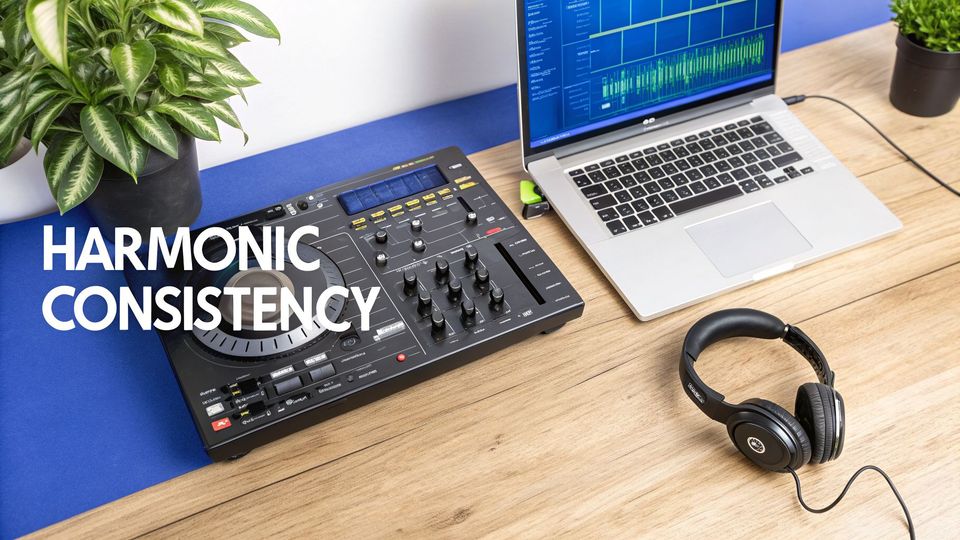
Treat your premiere or repost channel like a business. Your reputation depends on the quality of your curation. Nailing a track's key is fundamental to that quality. When label managers and artists submit music, they trust you to present it professionally. An out-of-key mix between two premieres sounds messy and damages your credibility.
Protect your channel's brand identity
Getting the key right crafts a coherent sonic identity for your channel. Curators who deliver smooth, harmonically-matched sets are seen as experts. This level of professionalism attracts higher-quality submissions from bigger labels. They know their music will be treated with respect. It turns your channel from just another repost feed into a trusted platform.
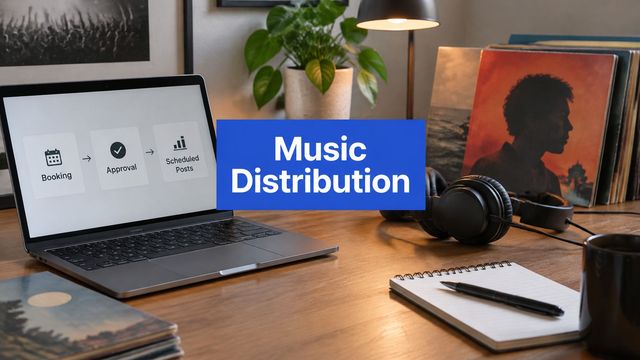
As a channel owner, your primary asset is your curation. Accurate key information lets you build a structured booking system that puts the listener experience first. This drives growth and brings in better submissions.
Improve your operational efficiency
Figuring out the key for every submission by ear is a huge time-sink. This is especially true for independent label owners juggling dozens of tracks. That manual work adds up quickly. Using a reliable music key finder automates this crucial step. It frees you up to focus on what actually grows your channel. A professional premiere booking platform can make the key a required field, automating a task you're already doing by hand. This replaces email requests with a booking form.
Train your ear to identify keys manually
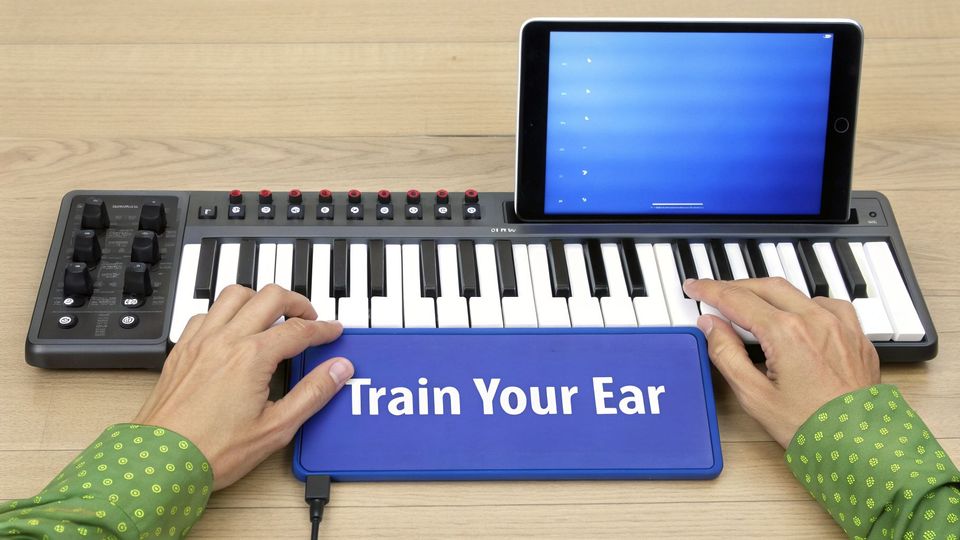
A good music key finder is a great tool. But blindly trusting its output is a rookie mistake. Developing your ear is your ultimate quality control check. Software gets it wrong more often than you would think. This is common with tracks that have complex harmonies. Training your ear separates a good curator from a great one. It is the skill that lets you confidently catch software errors and verify submissions. You become the final authority, not the algorithm.
Find the tonal center
Every track is built around a single note that feels like 'home'. We call this the tonal center, or the root note. All melodies and chords pull towards this note. When they land on it, everything feels resolved and stable. Your first job is to find it. Start by listening to the bassline. It often hammers the root note, especially on the downbeats. Try humming along with the lowest, most foundational notes you hear.
When you land on a note that feels like the track's final destination, you have probably found your root. This is the letter of your key—C, G, F#, and so on.
The root note acts as the anchor for the entire track. When you hear a melody or chord progression, listen for the moment it feels most 'resolved'. That moment is almost always landing on the root note of the key.
Distinguish major and minor keys
Once you have the root note, figure out if the key is major or minor. This defines the track’s entire emotional character. It is absolutely critical for harmonic mixing. It is often as simple as asking how the track feels.
- Major keys generally sound bright, happy, and triumphant.
- Minor keys tend to feel more serious, moody, or introspective.
This simple emotional check is surprisingly accurate. Grab a small MIDI keyboard or a free virtual piano app. Find the root note you identified earlier. Try playing both a major chord and a minor chord built on that root. One will clash, and one will slot into the track’s harmony perfectly. This hands-on process builds real confidence. Over time, you will start to hear the major/minor quality almost instantly.
Use your DAW for precise key analysis
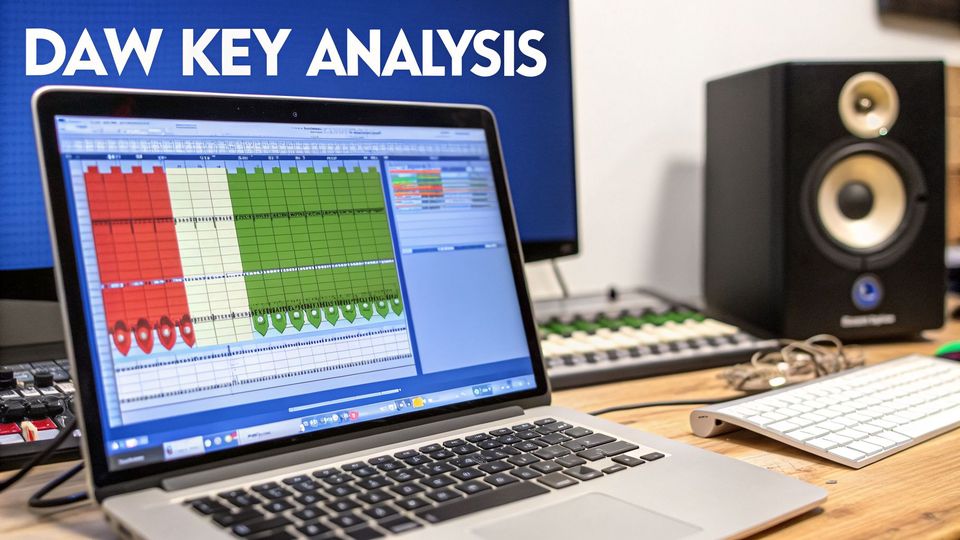
Your Digital Audio Workstation (DAW) is a professional-grade music key finder. As a channel owner, you need to trust the information you get from labels. Using your DAW puts you in control. It offers a deeper level of accuracy. It also ensures your premieres are catalogued correctly. Many DAWs like Ableton Live have key detection built right in. When you drag a track into your project, they analyze the audio and provide a key.
This is especially helpful for independent label owners handling many master files. Instead of uploading tracks one-by-one to a web tool, you can analyze them inside your software. This keeps your workflow in one place. It cuts down the steps needed to prep a track for its premiere.
Visually confirm the root note
Sometimes a DAW’s automatic detection feels wrong. This is where a spectrum analyzer comes in. These plugins give you a real-time visual of your track’s frequency content. You can see exactly which notes carry the most weight. The fundamental frequency of the root note will almost always show up as the most powerful peak.
Find a section where the bassline and chords are clear, and loop it. Watch the spectrum analyzer and you will notice one frequency with the highest amplitude. Hover your cursor over that peak and it will tell you the musical note. If that dominant low-frequency peak is on a 'G', you have solid visual proof the track is in G. This visual check, combined with your ears, is a powerful combination.
Professional Tip: A common mistake is confusing a track’s fifth for its root. The fifth is a harmonically strong interval, so it often shows up as a big peak. Always double-check what you see with what you hear. This dual-method approach separates a professional channel from a hobbyist feed.
Select the right music key finder tool
When you're handling many submissions, you need speed. Manual key detection is a great skill, but it does not scale. Dedicated software and online tools become essential. For a busy channel owner or label, a reliable music key finder is a core part of the operation. These tools provide the data you need in seconds. They let you make quick decisions and keep your channel's flow harmonically sound. The right tool removes this bottleneck completely.
Key factors for selecting a tool
Not all key finders are built the same. Here is what actually matters for a premiere channel owner.
- Accuracy: How often is it right? This is everything. Some algorithms get confused by minimal techno or complex tonality. You need a tool known for getting it right in your specific genre.
- Speed and Batch Processing: Can you analyze a folder of 20 tracks at once? Batch processing is a must-have for anyone dealing with volume from label submissions.
- Workflow Integration: Does it fit how you already work? The best option is a platform that builds key detection into the submission process itself.
The best tool is the one that fits your business. If you handle 10-50+ submissions a month, batch processing is a requirement. It automates a huge chunk of your prep work. This directly impacts how many tracks you can physically process.
Compare popular music key finder tools
Let's break down the different ways to find a track's key. Each method has trade-offs between speed, accuracy, and required skill.
| Method | Typical Accuracy | Speed | Required Skill |
|---|---|---|---|
| By Ear (with instrument) | Very High | Slow | High (Music Theory) |
| Desktop Software | High | Very Fast | Low |
| Online Finders | Medium to High | Fast | Very Low |
| DAW/Spectrum Analyzer | High | Medium | Medium (Technical) |
For a high-volume workflow, dedicated desktop software hits the sweet spot. It combines the speed you need with professional accuracy.
Popular software vs online finders
Should you go with a desktop app or a web-based tool? It boils down to your specific workflow.
Desktop Software (e.g., Mixed In Key, Serato DJ Pro)
- Pros: Generally the most accurate option. They are built for batch processing and can analyze files offline. Many write key data into the file's metadata.
- Cons: You have to install them, and they usually have a one-time fee.
Online Key Finders (e.g., Tunebat)
- Pros: Most are free and can be used from any browser. They are perfect for checking a single track quickly.
- Cons: Their accuracy can be inconsistent. Most are single-upload only, making them slow for managing a submission queue.
For any serious premiere business, investing in professional desktop software is usually the right call. The time you save and the accuracy you gain protect your brand's reputation for quality.
Integrate key data into your premiere workflow
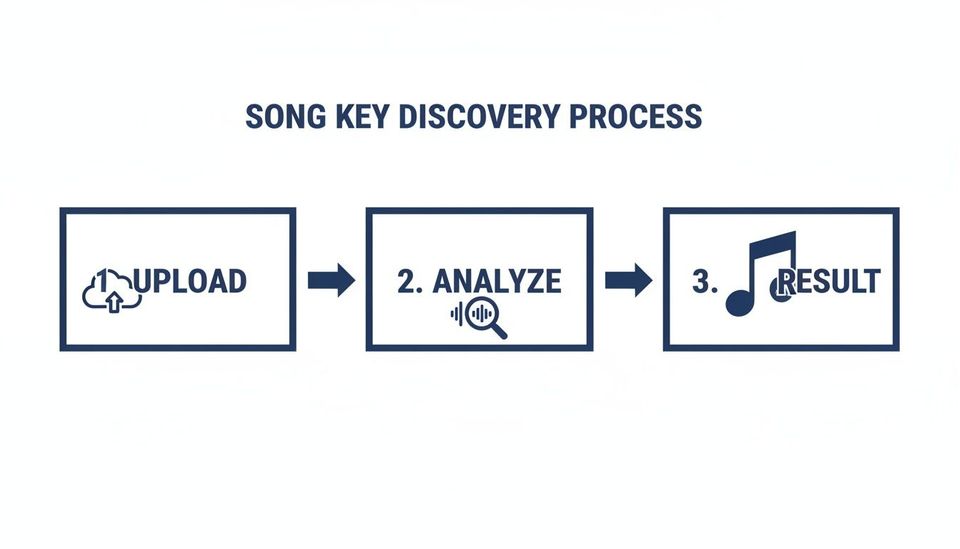
You have found and verified your track’s key. Now you must put it to work inside your premiere workflow. This is where professional channel owners separate themselves from hobbyists. The most immediate step is to add the key to your track titles. A title like "Artist – Track Name (Premiere) [F Minor]" instantly tells other DJs you are a professional. This makes your channel a go-to source for harmonic mixing.
Weave key data into your submissions
If you're using a premiere booking platform to manage your channel, this is where things get really smart. Make the track key a mandatory field on your submission form. Just like that, you have stopped chasing artists for info. You no longer have to run every single track through a music key finder yourself. This simple change forces labels and artists to give you the data upfront. The system can then use that key to automatically generate optimized titles. This reduces booking admin from hours to minutes.
When you require the key on submission, you're setting a standard. It tells everyone you are serious about curation. This attracts higher-quality music from labels.
Level up your channel management
Once you have accurate key data flowing in automatically, you can build more advanced systems. This is especially true for promo agencies or high-volume channels. This data becomes the engine for features that help you grow. Properly tagged files are the backbone of a professional setup.
With key data properly integrated, you can unlock features like:
- Automated Repost Scheduling: Build and schedule entire repost chains that flow harmonically. The system lines them up for a perfect listening experience automatically.
- Smarter Download Gates: Create exclusive DJ mixes or track packs grouped by key. This gives your audience a valuable reason to follow you or provide their email. You can collect emails through download gates to build your list.
Making key data part of your workflow is a strategic choice. It polishes your brand and automates your work. It also builds the foundation you need to scale your premiere channel.
Common questions about music key finders
What is the most accurate music key finder?
No single tool gets it right 100% of the time across all genres. The professional approach is a two-step process. First, run the track through reputable software to get a starting point. Then, you must verify it with a keyboard or your own ear. Combining tech with your own sense delivers reliable results for your premieres.
Why do key finders give different results for the same song?
Different tools use different algorithms, so conflicts are common. One frequent mix-up is confusing a key with its relative major or minor. For example, a track in A minor might be flagged as C Major. They share the same notes, which can confuse a simple algorithm. This is why manual verification is a non-negotiable step in a professional workflow.
How does knowing the key help my SoundCloud channel?
Knowing the key is your secret weapon for a better listening experience. It lets you build harmonically-matched repost chains and seamless mixes. This curation level makes your channel more valuable to submitting labels. A platform like Premierely can automate your premiere scheduling based on key data. It helps you accept track submissions, collect payments, and schedule uploads all from one dashboard.
Premierely is built for channel owners who treat premieres and reposts as a business. It lets you automate what you're already doing manually: submissions, payments, scheduling, and uploads.