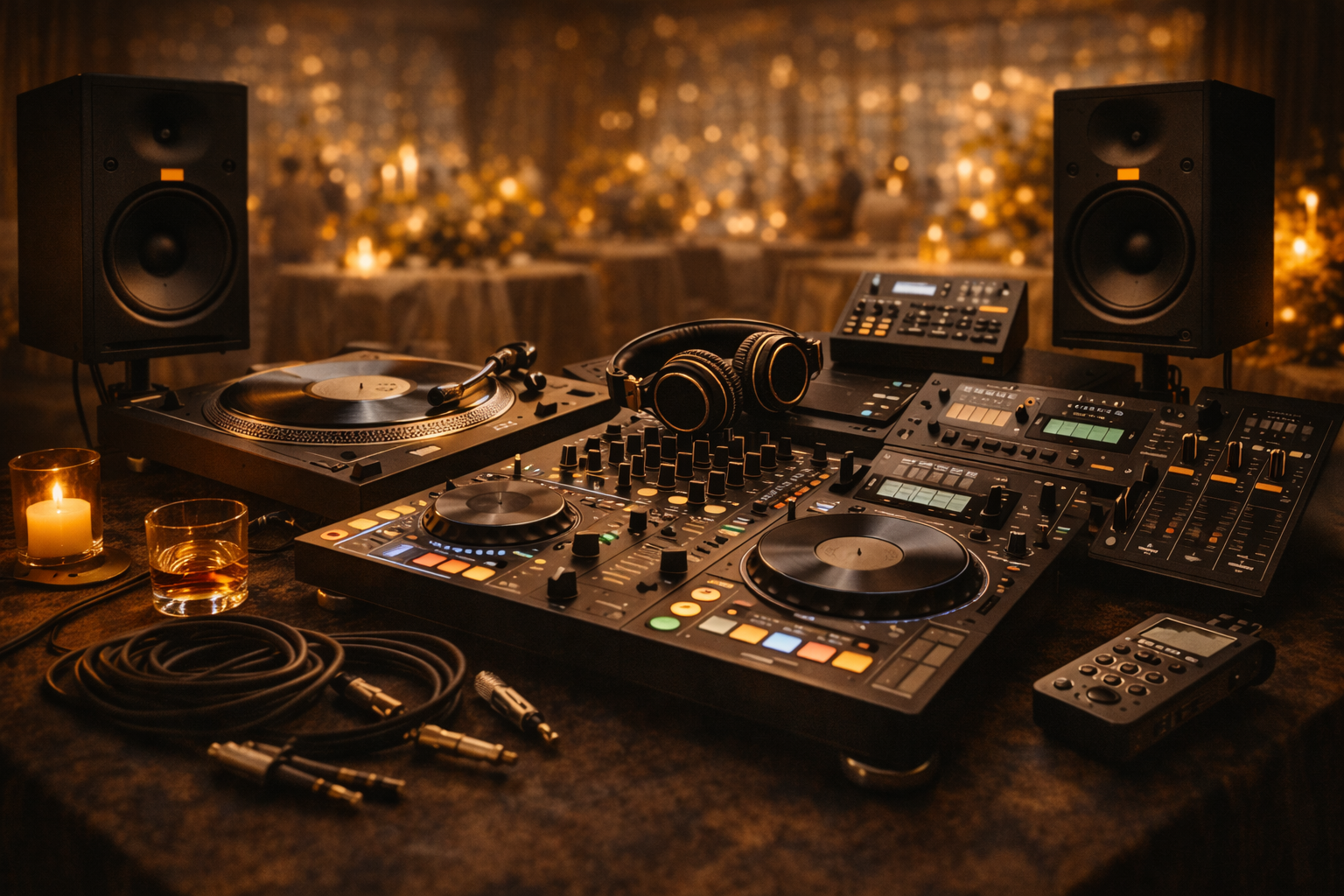
You’re probably already doing the hard part of running a premiere channel. Chasing files, fixing titles, scheduling uploads, and keeping artists happy. The bit that often gets ignored is the sound layer around the music itself. A good sound effects dj setup can make your channel trailers cleaner, your premiere promos more recognisable, and your DJ mixes feel like they belong to one brand instead of a pile of uploads.
For channel owners, that matters. Labels judge presentation fast. If your intros, transitions, teaser clips, and post-announcement edits sound polished, your page feels more trustworthy. That helps when you’re selling premieres or reposts as a real service, not a favour.
The tools below aren’t just for flashy live tricks. They’re useful for building repeatable audio branding around premieres, reposts, and gated downloads. If you’re organising edits from understanding audio stems, these are the tools I’d shortlist first.
1. Serato DJ Pro
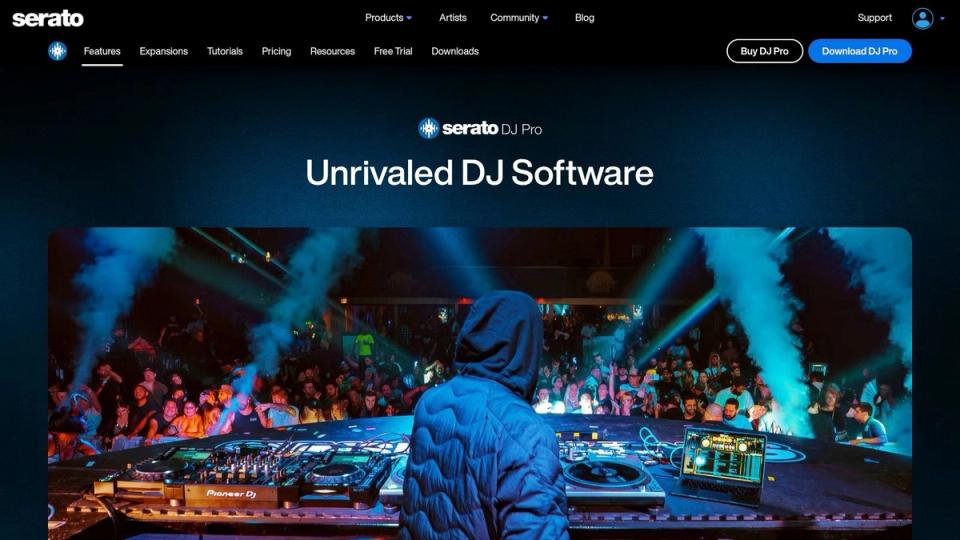
Serato DJ Pro is the safe pick if you want sound effects dj tools that work fast under pressure. Its core strength isn’t novelty. It’s reliability. If your channel also throws events, records live sets, or posts booth clips, Serato gives you a clean way to trigger one-shots and stingers without feeling like you’re running a science project.
The built-in effects are easy to reach, and the Sampler is the main reason to care here. Airhorns, impacts, branded vocal drops, uplifters, and short atmospheres can all sit on pads and fire quickly. That matters if you’re building promo edits from the same machine you use for mixing.
Where Serato fits best
Serato works best for channel owners who need one setup for both live use and content production. You can prep a branded intro bank, record a club mix, and then reuse those same sounds in teaser clips.
Two practical wins stand out:
- Pad-first triggering: One-shots and loops are fast to launch during a set or recording.
- Broad hardware support: You’re less likely to rebuild your workflow when you change controller or mixer.
That second point matters more than people admit. Sound effects dj performance falls apart when mappings change every month. Serato usually keeps the basics stable.
Practical rule: If you want your channel sound to stay consistent, limit yourself to a small bank of recurring effects. One riser style, one impact style, one vocal tag, one tension loop.
Trade-offs to watch
Serato’s weakness is that the fuller FX setup can push you toward extra expansions. If you’re the kind of operator who keeps adding tools, the cost and account sprawl can creep up.
It’s also not the deepest environment for obsessive customisation. That’s good for many people. It keeps you focused. But if you want highly unusual pad pages or extreme routing, another option lower in this list gives you more room.
For brand work, Serato is strong because it doesn’t get in your way. If your premiere business depends on regular delivery, that’s often better than having the biggest feature list.
2. Rekordbox
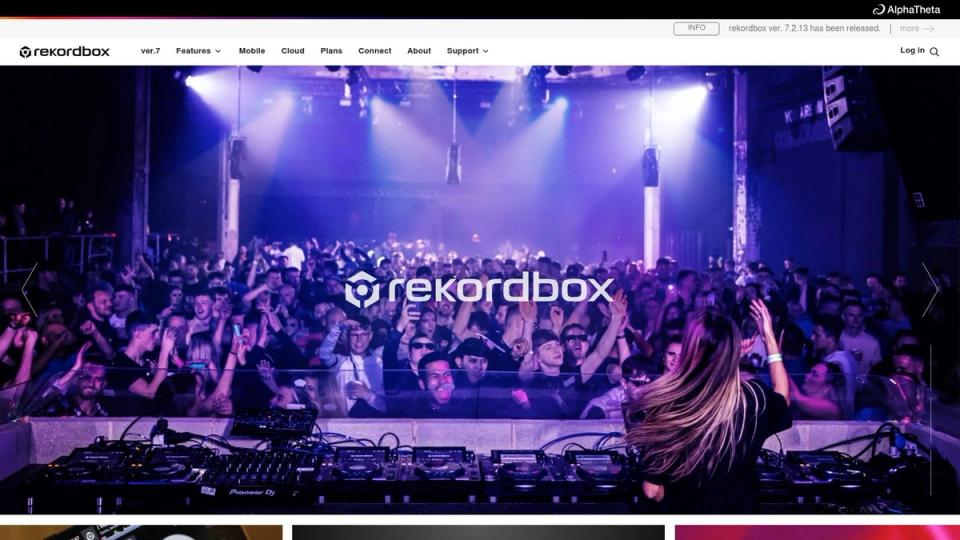
Rekordbox makes sense if your channel identity is tied to club credibility. A lot of channel owners promote mixes recorded on Pioneer or AlphaTheta setups, and Rekordbox feels natural in that environment. If your guest DJs already know that workflow, adding sound effects becomes less of a training issue and more of a taste issue.
Merge FX, sampler functions, and STEMS features give you enough room to build transitions that feel more intentional than basic mixer sweeps. That’s useful for promo snippets, artist announcements, and mini trailers before a premiere goes live.
Best use for channel branding
Rekordbox is strong when you want effects to sound like part of the set rather than pasted on top. That distinction matters. Overused sirens and giant impacts can make a channel feel cheap. Rekordbox tends to encourage more mixer-style use, which usually lands better for underground genres.
A few things work well:
- Club familiar workflow: Guest DJs adapt quickly if they already play on CDJ or DDJ setups.
- Sampler plus transitions: You can layer short stabs and tension FX without turning every mix into an EDM demo.
- STEMS options: Handy for building quick spoken intros or taking space out of a section before a branded drop.
If your channel also publishes recorded guest sets, pair this with disciplined media prep. Good USB sticks for DJs matter more than people think once you start carrying alternate edits, intro files, and sampler-ready assets.
The catch
Rekordbox has one annoying habit. Plan options and availability can shift, so you need to verify current access before building your whole sound effects dj workflow around one feature.
Keep your branded sounds short. Long risers eat space fast and become repetitive across weekly premieres.
It’s also easier than it should be to overdo the built-in excitement tools. Merge-style effects are fun. Fun isn’t the same as tasteful. For channel owners, the right move is usually restraint. Use FX to frame the track and your brand, not compete with the record you’re premiering.
3. VirtualDJ Pro
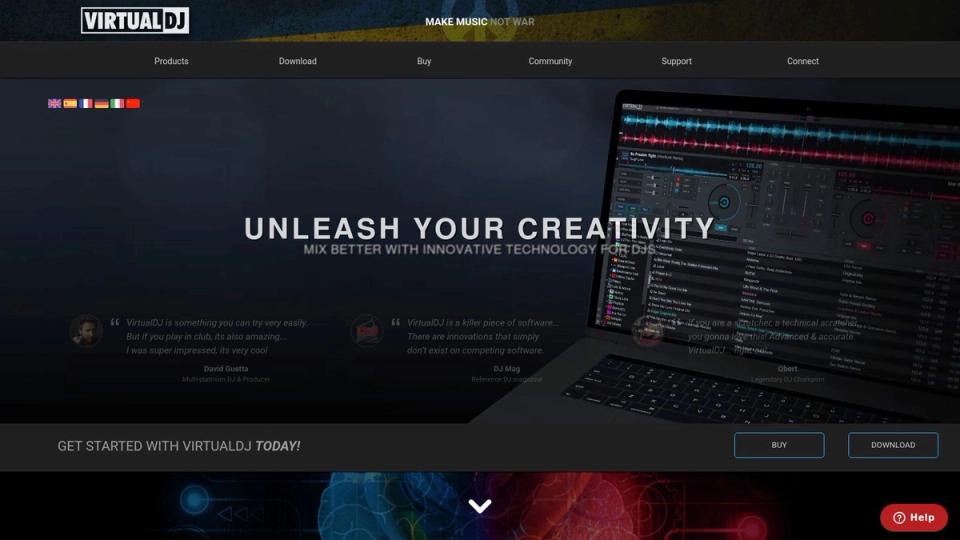
VirtualDJ Pro is for people who like control and don’t mind getting their hands dirty. If Serato is the steady operator, VirtualDJ is the workshop. For a channel owner building a recognisable audio package, that can be a very good thing.
Its sampler is flexible, pad pages can be customised heavily, and effects routing gives you room to shape how sounds sit in the mix. That’s useful if your channel publishes several content types. Full premieres, repost teasers, event promos, radio cuts, and DJ mixes all need slightly different treatment.
Why it stands out
VirtualDJ shines when your sound effects dj setup isn’t just a live trick bank. You can build separate pages for:
- Premiere intros: Short vocal tags, impacts, and filtered noise beds.
- Event promos: Faster, louder transitions with obvious hooks.
- Guest mix branding: Cleaner IDs and less aggressive stingers.
That level of separation helps keep your channel organised. One of the easiest mistakes is using the same overblown FX pack on everything. VirtualDJ makes it easier to assign sounds by purpose.
“Use different FX banks for artists, channel IDs, and event clips. If everything uses the same blast sound, nothing feels premium.”
What doesn’t work so well
The interface depth can slow you down at first. If you’re already buried in submissions and release planning, that extra setup time may annoy you.
Still, there’s a payoff. VirtualDJ is one of the better choices if you want your tools to adapt to your process, instead of forcing your process to adapt to the software.
I’d pick it if your operation includes a lot of short-form promo editing around SoundCloud uploads. It supports a more engineered approach to sonic identity. Just be honest about whether you’ll configure it properly. If you won’t, the flexibility becomes clutter.
4. Splice Sounds
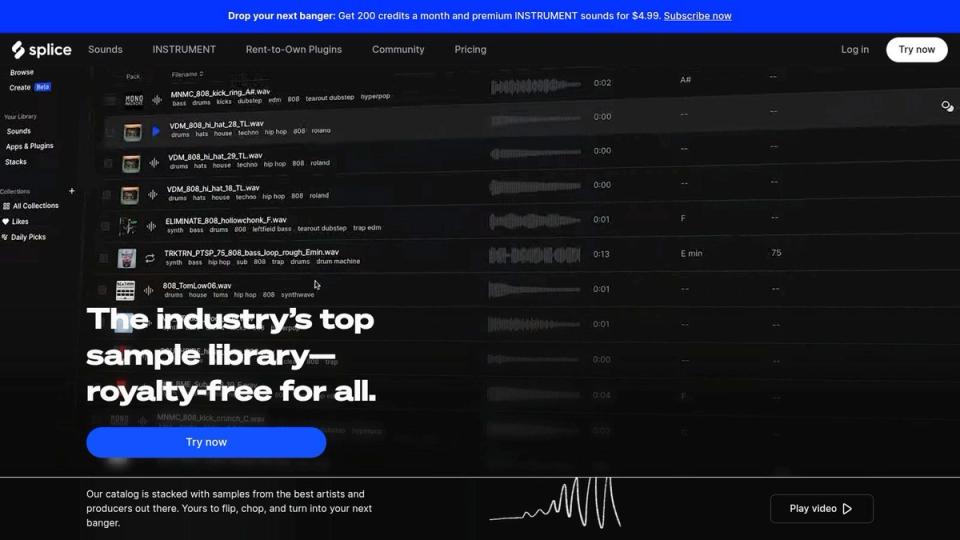
Splice Sounds isn’t DJ software. It’s where many channel owners should start if their problem is weak source material, not weak mixing. A lot of sound effects dj setups fail because the operator is using random free packs with inconsistent volume, poor editing, and cliché sounds everyone else already grabbed.
Splice fixes that sourcing problem quickly. You can pull risers, downlifters, textures, vocal shots, and impacts without spending hours trawling forums.
Why it’s useful for premiere channels
This is the best pick on the list for building a central effects library that feeds several workflows. You can download files, sort them into intro packs, trailer packs, and DJ sampler packs, then move them into your main software.
That matters for SoundCloud channels because consistency is easier when every part of the pipeline starts from the same sound pool. Your teaser on socials, your upload trailer, and your recorded mix can all share the same sonic palette.
Format management also matters here. If your team keeps mixing WAV, MP3, and odd exports with no naming standard, fix that before your library becomes a mess. This guide on types of audio file formats is worth keeping in your bookmarks.
Real-world trade-offs
Splice is fast, but it can encourage lazy taste. The danger isn’t bad audio. The danger is using sounds exactly as downloaded.
A few rules help:
- Edit the start points: Tighten attacks so impacts hit exactly when you need them.
- Trim the tails: Long reverb endings clutter spoken IDs and short trailers.
- Rename by use case: “Premiere impact short” is better than keeping random pack names.
One bigger issue sits outside the software itself. Existing content around DJ effects leaves a gap on legal and copyright questions for DJs in the Netherlands, especially around commercial use and recordings, as noted in Native Instruments’ DJ effects article context here. That means channel owners should be strict about keeping licensed, traceable effects libraries instead of grabbing unknown files from old hard drives.
Splice is strongest when you treat it like a source bin, not a finished identity.
5. Loopmasters – DJ Tools
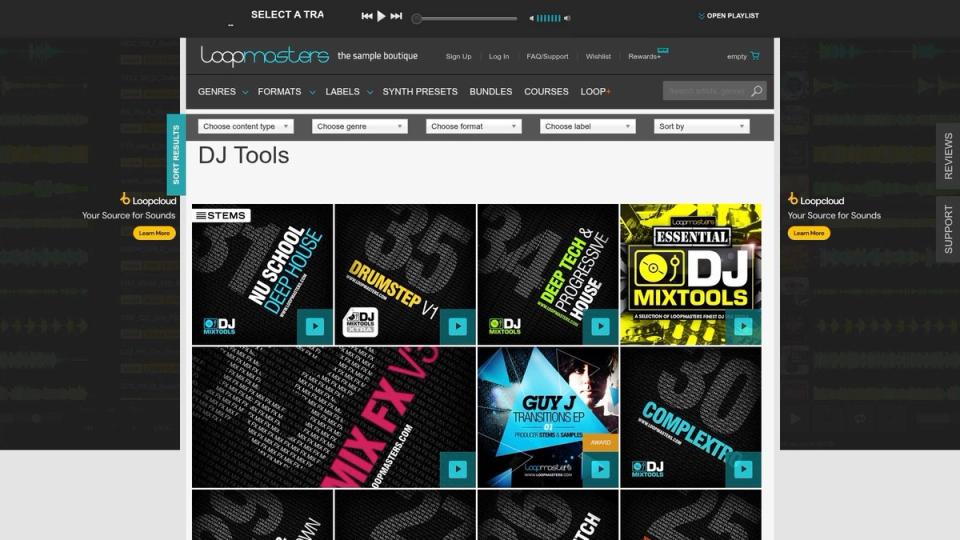
Loopmasters DJ Tools is the practical buyer’s option. Instead of paying for a broad subscription catalogue, you can grab targeted DJ-focused packs that are already aimed at builds, breakdowns, scratches, stabs, and mix effects.
That curation matters. If your channel posts club-facing premieres, you don’t need fifty folders of cinematic ambience before finding one usable downlifter. Loopmasters often gets you to usable sounds faster.
Where it works best
Loopmasters is good for channel owners who know what they’re missing. Maybe your promos need sharper transitions. Maybe your guest mixes need a few better fills. Maybe your trailer package needs a proper set of short impacts instead of overcompressed freebies.
The strongest point is fit. These packs often feel made for live or near-live use.
- DJ-specific categories: Easier to shop by use case.
- Preview-first buying: You can hear what you’re getting before filling your drive.
- Straight download model: Good if you hate managing recurring credits.
This also suits operators who build assets for other people. If labels submit tracks and expect polished premiere presentation, you need predictable tools. A one-off pack purchase can be easier to budget than another platform subscription.
What to be careful with
Quality varies by label. That’s the core issue. Some packs are tight and immediately useful. Others sound dated or exaggerated.
I’d avoid buying blind based on pack art or genre tag alone. Audition the details. Listen for tail length, transient sharpness, and whether the sounds leave room for the track.
There’s another practical point for Dutch channel operators. Available research suggests the DJ software market in Europe holds a 30% share of the global market, with a projected proportional value of about USD 1.815 billion in 2026, and that growth is tied to strong adoption of advanced effects tools via Business Research Insights. That doesn’t tell you which pack to buy, but it does confirm the obvious. Effects are now part of normal DJ workflow, not a fringe add-on.
Loopmasters works best if you buy with discipline.
6. Vengeance Sound – Vengeance Effects
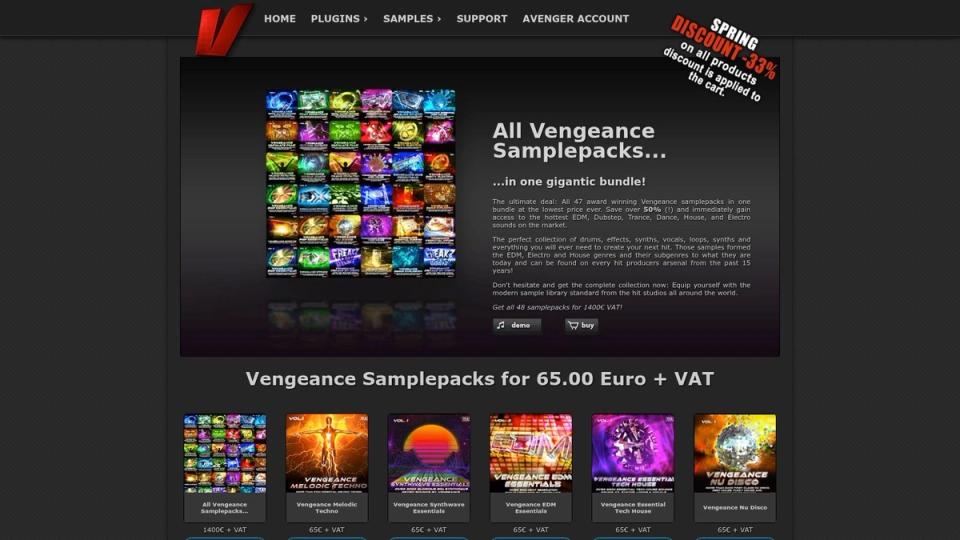
Vengeance Sound is the veteran option. If you’ve heard big-room risers, polished impacts, and classic EDM transition FX over the years, you’ve probably heard this style. That history is both the appeal and the risk.
For a sound effects dj setup, Vengeance gives you ready-made drama. It’s fast to deploy and often sits well in club-oriented mixes without much repair work.
Why channel owners still use it
Some channels need obvious energy. Event promos, peak-time guest mixes, big countdown clips, and festival-facing announcements often benefit from sounds that are larger and cleaner than what you’d cut from raw recordings.
Vengeance does that well. The sounds tend to be pre-shaped for impact.
A few good uses:
- Trailer peaks: For short announcement edits where subtlety isn’t the priority.
- Transition support: For helping a quick promo cut feel more intentional.
- Noise beds and drops: For giving spoken intros a bit of weight.
If you’re pairing sample packs with processing, don’t ignore your utility tools. Good filters, saturation, and transient control often matter as much as the pack itself. This list of 12 best free VST plugins is useful if you want to shape raw effects into something more specific to your channel.
Where it can go wrong
Vengeance can date your sound if you use it unedited. That’s the truth. Some of the pack aesthetic is still tied closely to EDM and mainroom expectations.
One caution: If your channel is deep techno, minimal, or leftfield, use these sounds sparingly and layer them under subtler textures.
That doesn’t make the library bad. It just means context matters. For a broad electronic channel, it’s still one of the easier libraries to drop into a working promo system. For a niche underground brand, it’s better as a component than a full identity.
7. Cymatics – FX Mega Collection
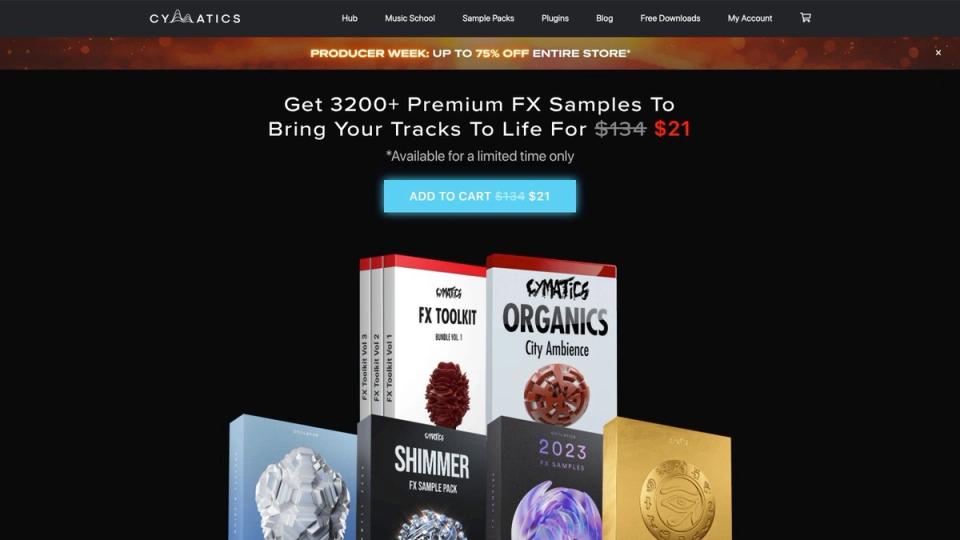
Cymatics FX Mega Collection is the budget-conscious volume play. If you need a lot of material quickly, this is the easiest way to bulk out a thin library. It covers risers, impacts, textures, reverse effects, and noise beds across a wide range of electronic styles.
That makes it useful for newer channel operators who are trying to make their premiere offerings sound more finished without buying five separate niche packs.
Best for building a starter vault
Cymatics works when your problem is lack of options. Maybe every promo you post uses the same two uplifters. Maybe your DJ transitions sound repetitive. This bundle helps solve that by giving you enough raw material to sort, trim, and repurpose.
The company presents this as a large bundle of 8 FX packs containing 3,200+ files on the product page. That scale is the point. You get breadth first, then you curate.
There’s also a larger workflow angle. Existing commentary around Dutch SoundCloud premiere operators highlights a gap in combining DJ sound effects with automated premiere publishing, where many operators still add hype FX manually across fragmented tools, instead of building a cleaner repeatable process as discussed in this YouTube source context. A large library only helps if you reduce choice into a working shortlist.
What works
Don’t dump all of this into one sampler bank. That’s how people end up with unusable libraries.
Do this instead:
- Build a core folder: Pick your best handful of risers, impacts, and textures.
- Create genre folders: Keep harder promo sounds away from subtler premiere tools.
- Reject duplicates: If five sounds do the same job, keep one.
Cymatics is good value if you’re disciplined. It’s poor value if you treat more files as a substitute for better taste.
Top 7 DJ Sound-Effects: Quick Feature Comparison
| Item | Implementation complexity 🔄 | Resources & cost ⚡ | Expected outcomes 📊 | Ideal use cases 💡 | Key advantages ⭐ |
|---|---|---|---|---|---|
| Serato DJ Pro | Moderate: straightforward sampler/pad mapping; add-ons add complexity | Paid app with optional Suite/add-ons; works best with supported hardware | Reliable club-ready SFX triggering and low-latency performance | Club DJs using controllers/CDJs who need dependable pad SFX | Broad hardware support, stable performance, simple sampler/FX workflow |
| Rekordbox (AlphaTheta) | Moderate: familiar Pioneer workflow; STEMS and pad mapping available | Free/paid plan mix; deep integration with Pioneer/AlphaTheta hardware; plan terms may vary | Smooth Pioneer-style transitions and effects on compatible hardware | DJs entrenched in Pioneer ecosystem (CDJ/XDJ/DJM) | Tight Pioneer integration, Merge FX & RMX-style workflow |
| VirtualDJ Pro | Higher: very customizable mappings and deep feature set can be complex | Flexible licensing (Home/Controller/Pro/Business); supports many controllers | Highly customized SFX setups, advanced sampler/FX routing and stems mixing | Power users who build bespoke pad workflows and mappings | Extremely customizable, powerful sampler and FX routing |
| Splice Sounds (SFX library) | Low: browse/download and import into DAW/sampler; credit system requires management | Subscription credit-based model; ongoing cost but downloads are kept | Vast, searchable royalty-free SFX library for fast sourcing | Producers/DJs needing diverse, ready-to-use one-shots and samples | Huge catalog, DAW integration, keep downloads after claiming |
| Loopmasters – DJ Tools | Low: instant downloads ready to drop into samplers | Pay-per-pack pricing; one-off purchases, frequent discounts | DJ-focused packs with BPM/key labeling for quick use | DJs who want curated, sampler-ready FX packs | Clear previews, DJ-specific categories, instant usability |
| Vengeance Sound – Vengeance Effects | Low: plug‑and‑play WAVs with consistent naming | One-time pack purchases (mid-price) | High-production, genre-proven FX suited for EDM/mainroom | EDM producers/DJs seeking polished risers and impacts | High production value, consistent key/BPM naming, longevity |
| Cymatics – FX Mega Collection | Low: large bulk bundle; requires auditioning for overlap | Budget-friendly bundle (often sale-priced); one-time purchase | Large starter library covering many FX types at low cost | Users building a broad, cost-effective FX library | Excellent price-to-content value, broad stylistic coverage |
Best DJ sound effects for 2026: the quick answer
If you want the best DJ sound effects in 2026, start with Serato DJ Pro or Rekordbox for built-in FX, then build a custom sampler pack from Splice or Cymatics. Serato and Rekordbox give you clean, reliable effects inside the software you already mix in. Splice and Cymatics let you pull one-shot scratches, air horns, sirens, and drops into your own kit. That mix covers most premiere channels without overspending.
Where to find free DJ sound effects
You do not always need a paid pack to get started. Splice offers free monthly credits, Cymatics gives away large free sample bundles, and sites like Freesound host free scratches, sirens, and air horn hits under open licences. Free packs are great for testing a sound before you commit, but check the licence before you use anything in a public premiere or promo. Paid packs from Loopmasters or Vengeance are worth it once you know the style your channel needs.
DJ sound effects FAQ
What are sampler DJ effects?
Sampler DJ effects are one-shot sounds – scratches, horns, sirens, risers, and drops – that you load onto a sampler pad and trigger live. Splice, Loopmasters, and Cymatics all sell sampler-ready packs you can drop straight into Serato or Rekordbox.
Where do I get scratch and air horn sound effects?
Scratch and air horn sounds are the most searched DJ effects. You will find them in almost every pack on this list, but Cymatics and Loopmasters have the deepest libraries of both. Grab a free sample first, then buy the full pack if the style fits your channel.
Are these effects good for SoundCloud premieres?
Yes. A consistent set of intros, transitions, and teaser sounds makes your premiere channel feel like one brand instead of a pile of uploads. Pick three or four signature effects and reuse them across every promo.
Final Thoughts
A good sound effects dj setup isn’t about making every transition louder. It’s about making your channel more recognisable. The strongest premiere channels use sound with intent. Their intros feel consistent. Their promo edits feel deliberate. Their guest mixes don’t sound like they were thrown together in a panic.
That matters because your audience isn’t the only one listening. Labels and artists hear the difference too. If your page presents tracks with care, they’re more likely to trust you with better submissions. That’s a brand issue, not just an audio issue.
The shortlist is simple.
Serato DJ Pro is the dependable live-content hybrid. Rekordbox fits naturally if your world revolves around club-standard hardware. VirtualDJ Pro gives you the most custom control. Splice Sounds is the fastest route to a cleaner source library. Loopmasters is good for focused DJ-ready buying. Vengeance still works for high-impact dance edits. Cymatics is the budget-friendly way to build depth fast.
What usually fails isn’t the software. It’s the lack of rules. Too many channels use random effects, inconsistent levels, and no sonic identity. That weakens every premiere you post. One artist gets a polished teaser, the next gets a muddy edit, and your service starts to feel uneven.
Keep the system tighter than that.
Choose a small branded palette. Standardise your intro and transition sounds. Save alternate banks for different content types. Test everything against premiere clips, not just in headphones. If a sound distracts from the track, cut it.
For channel owners, sound design should support the business model. Better trailers help pitches feel more professional. Better mix transitions make guest content stronger. Better download assets make gated releases feel more valuable. Even small improvements add up when you’re posting often.
That’s also why the operations side matters. If you’re already juggling submissions, payments, upload schedules, repost timing, and artist communication, you don’t want your audio branding effort buried under admin. The practical goal is simple. Build a repeatable sound package, then put it inside a repeatable publishing workflow.
If you care about presentation, even something as visual as creating a captivating atmosphere in the DJ booth points back to the same idea. Professional feel comes from consistent details.
Premierely is the premiere booking platform built for SoundCloud channel owners who treat premieres and reposts as a business. You can accept track submissions, collect payments through Stripe Connect, schedule uploads, automate SoundCloud posting, and use download gates for likes, reposts, comments, follows, or email signups, all from one dashboard.