Finding accurate beats per minute software is critical for SoundCloud channel owners who run premiere and repost businesses. Correct BPM information ensures your uploads are properly tagged, helping labels get better exposure. This guide breaks down the best tools for analysing track submissions. We will cover everything from dedicated BPM analysers to full-featured audio workstations. Using the right software helps professionalise your submission intake and improve metadata quality. This replaces guesswork with a structured process.
This curated list offers a direct comparison of the most effective options available. We will examine each tool's platform, pricing, accuracy, and best uses. This includes whether it is for DJing, production, or managing submissions. You will find specific notes on whether each is a standalone application or a plugin. Every entry includes screenshots and direct links to make your choice easier. This guide helps you select the ideal BPM tool to improve your existing premiere channel operations.
Need a BPM right now? Our free BPM finder and song key finder reads the tempo and musical key of any MP3 or WAV in your browser. Nothing uploads, nothing to install, and it gives you the Camelot code for harmonic mixing alongside the BPM.
Find the most accurate key and tempo with Mixed In Key
Mixed In Key is a staple piece of beats per minute software for DJs and producers. It scans your audio files to deliver highly accurate BPM and musical key data. It presents the key in standard notation and Camelot codes for harmonic mixing. For SoundCloud channel owners, this helps organise submissions into cohesive, tempo-matched sets. Its analysis goes beyond basic metrics, offering an "Energy Level" score from 1 to 10. This feature helps you program a premiere schedule by track intensity.
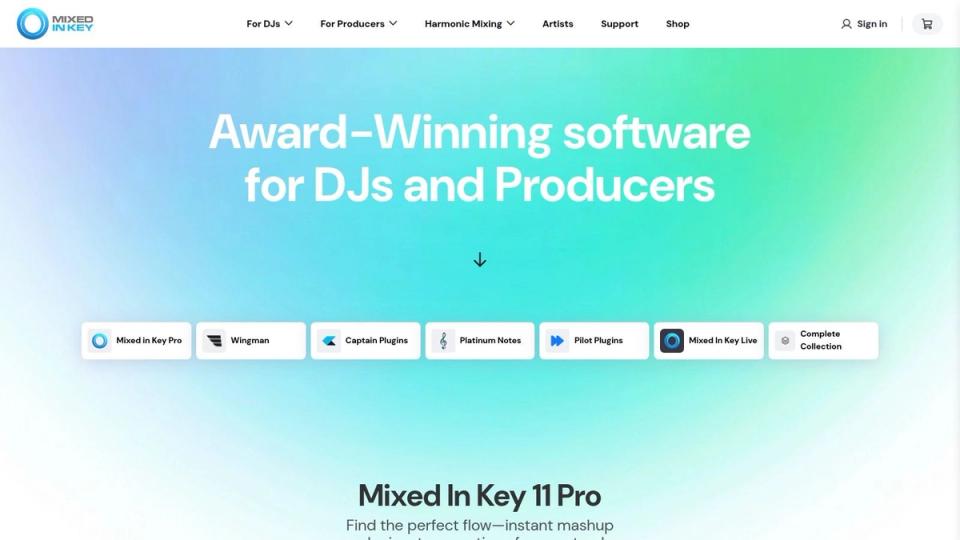
The software automatically generates cue points compatible with major DJ platforms. This is a significant benefit for preparing sets, reducing admin time. This compatibility and its reputation for accuracy make it a go-to tool. The main downside is that pricing can be hard to find without signing in. Some users have noted stability issues with certain versions.
- Best for: DJs and SoundCloud curators who need to organise tracks by tempo, key, and intensity for harmonic mixing or programming premiere schedules.
- Price: Pricing varies by edition; you may need to register an account to view current costs.
- Website: mixedinkey.com
Organise large libraries with beaTunes
beaTunes is a desktop library management tool designed for labels and premiere channels. It excels at bulk analysis, scanning entire music collections for BPM and key. For SoundCloud channel owners managing many submissions, its inspection tools are exceptional. The software detects acoustical duplicates and repairs broken metadata. It also analyses loudness using ReplayGain for consistency across your catalogue.

The platform’s focus on library hygiene makes it a unique piece of beats per minute software. It acts as a preparatory step rather than a performance tool. While its BPM detection is solid, some genres may require a manual check. It is a desktop-only application, so it will not replace your live DJ software. The licensing is straightforward and includes a free trial.
- Best for: Labels and premiere channel curators who need to batch-process large music libraries for metadata repair and quality assurance.
- Price: A free trial is available; a lifetime license is available for a one-time fee.
- Website: www.beatunes.com
Prepare tracks for the club with Rekordbox
Rekordbox is the club-standard library and performance software from AlphaTheta. Its core strength lies in its BPM and beatgrid analysis. This makes it an essential piece of beats per minute software for anyone on Pioneer DJ gear. For SoundCloud channel owners who also DJ, this is a major benefit. It ensures tracks organised for premieres can be exported to a USB for club play. The analysis is highly accurate for electronic music.
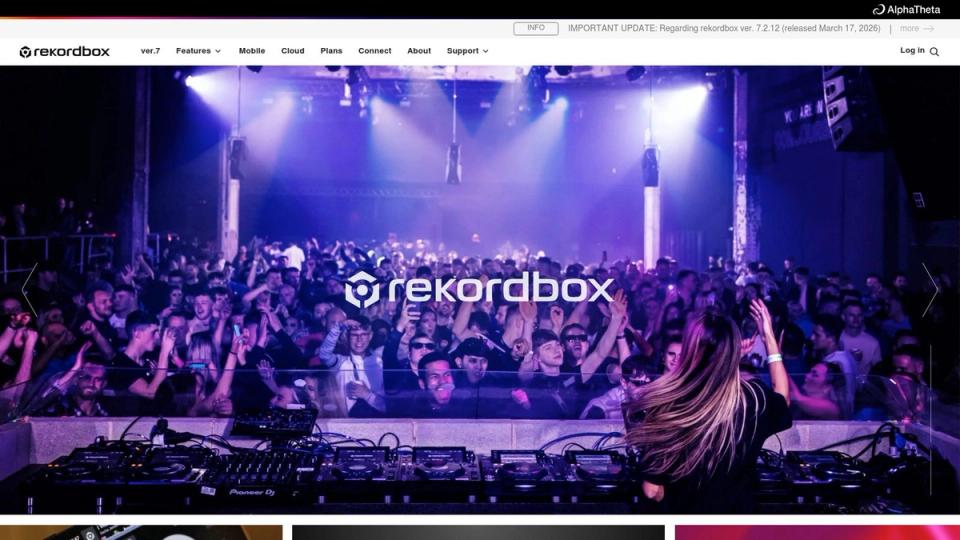
The software is split between a free library mode and paid performance tiers. This allows curators to analyse premiere submissions without an initial cost. The main drawback is that some features require a subscription. Its status as the industry norm makes it a critical tool for DJs. Accurate BPM and beatgrid mapping is essential for club hardware.
- Best for: DJs and SoundCloud curators who need to prepare tracks for performance on Pioneer DJ hardware, ensuring club-standard BPM and beatgrid accuracy.
- Price: A free tier is available for library management; paid subscription plans unlock performance features and cloud sync.
- Website: rekordbox.com
Analyse tracks for live performance with Serato DJ Pro
Serato DJ Pro is a top-tier performance application with powerful analysis tools. As beats per minute software, it performs fast and dependable BPM detection. It builds beatgrids essential for live mixing when you import tracks. For channel owners who screen submissions using a DJ setup, this workflow is a major advantage. Its key and BPM sync features help you test how well new submissions fit into a mix. The software is known for its stability and hardware compatibility.

While the core application is excellent, many advanced features require paid expansions. This means the initial cost might not cover all the tools you need. Despite this, its reputation for reliability makes it a trusted choice for DJs. The pricing is clear, offering both subscription and perpetual license options.
- Best for: DJ-focused premiere channel owners who use a Serato setup to screen, test, and perform with their track submissions.
- Price: Subscription or perpetual license options are available; expansions and the Suite bundle cost extra.
- Website: serato.com/dj/pro
Use a free, all-in-one DJ tool with VirtualDJ
VirtualDJ is a DJ application that also serves as powerful beats per minute software. Its analysis engine provides accurate BPM and beatgrid information for preparing tracklists. SoundCloud channel owners can load potential premieres and analyse them for tempo. The software includes a dedicated BPM editor for manual fine-tuning. This feature is not always found in simpler analysers.
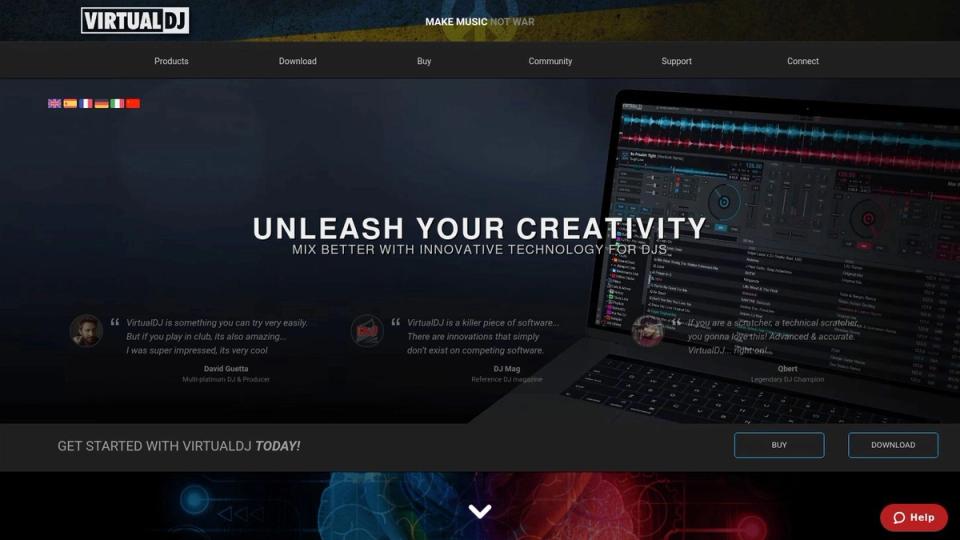
The platform’s major advantage is its free version for non-professional home use. This makes it a great no-cost option for curators needing to check tempos. However, the interface can feel overwhelming if you only need a quick BPM reading. Advanced features are locked behind paid tiers. Its value as a simple analysis tool is best realised through the free license.
- Best for: SoundCloud curators and assistants who want a free, all-in-one tool for both BPM analysis and basic mix preparation.
- Price: Free for non-professional home use; various paid licences are available for professional and commercial use.
- Website: virtualdj.com
Master precise beatgrids with Traktor Pro
Traktor Pro by Native Instruments is a DJ software solution with mature beats per minute software capabilities. Its analysis engine is trusted for its accuracy in BPM and beatgrid detection. A standout feature is its flexible grid editing for tracks with tricky timing. This control ensures your sets are perfectly aligned. The software’s deep integration with Native Instruments’ hardware provides a tactile mixing experience.
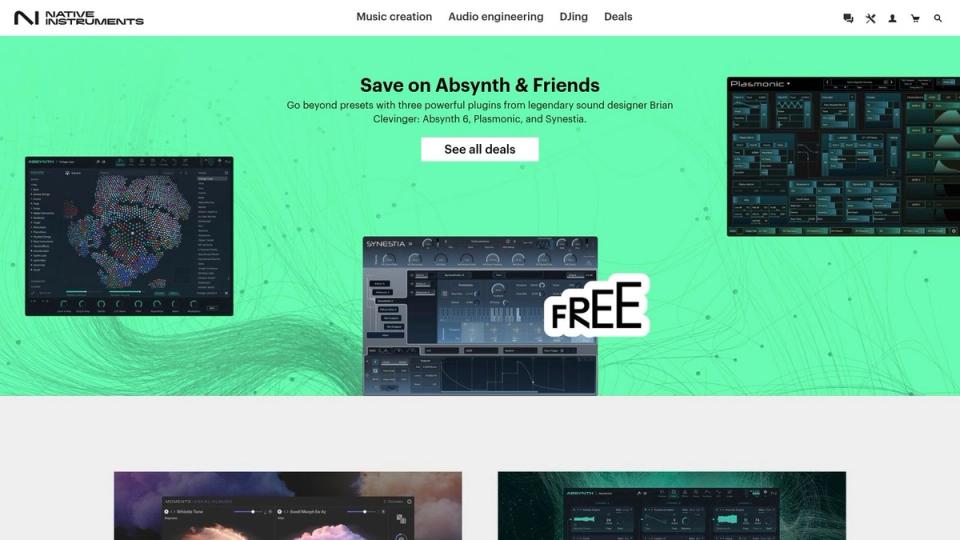
The platform is built for complex, multi-deck workflows. This makes it ideal for channel owners who perform live-style mixes with premiere submissions. However, the purchasing options have changed frequently, which can be confusing. It’s wise to check the current offerings before committing. Its proven performance makes it a mainstay for DJs who prioritise technical precision.
- Best for: DJs and SoundCloud curators in the techno and house scenes who require precise beatgrid editing and multi-deck performance tools.
- Price: Available as a standalone purchase or bundled with hardware; pricing and availability can vary.
- Website: native-instruments.com
Get advanced tempo analysis with Ableton Live 12
Ableton Live 12 is a digital audio workstation (DAW) with advanced tempo analysis tools. While more than just beats per minute software, its capabilities are exceptional. The software’s Warp feature allows precise analysis and alignment of audio clips. For SoundCloud curators, this is ideal for verifying promo tempos and creating synchronised edits. It ensures every track in a scheduled premiere set flows together professionally.
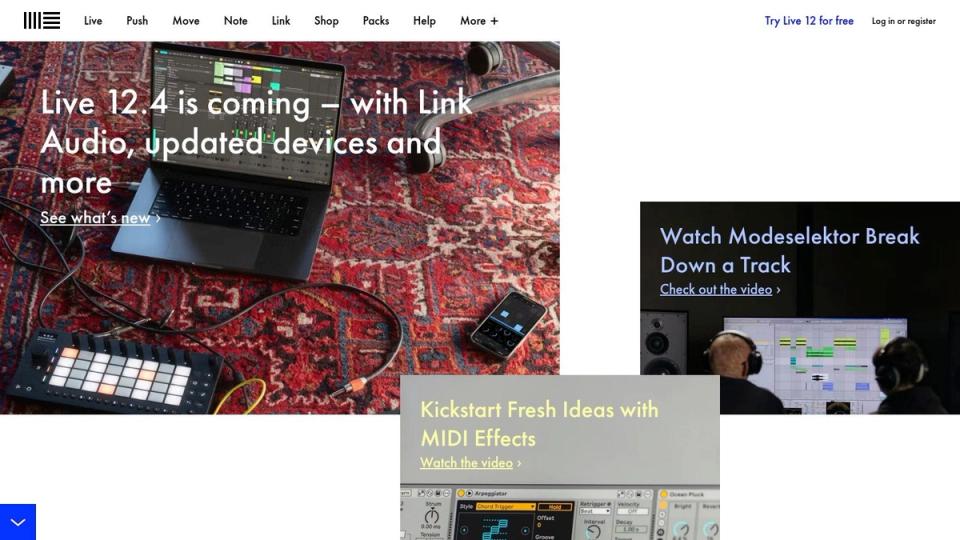
The unique Tempo Follower function can adapt your project’s BPM to an incoming audio source. Scene Tempo controls allow you to assign different BPMs to different project sections. While the learning curve can be steep, its precision is unmatched for producers. The main drawback is its complexity and cost-it is overkill for basic BPM detection.
- Best for: Producers and channel owners who need to create precise, tempo-matched edits for premieres and require deep audio manipulation capabilities.
- Price: Full versions are a significant investment (Intro, Standard, Suite); a free trial is available.
- Website: https://www.ableton.com
Handle variable tempos with Logic Pro (Smart Tempo)
Apple’s Logic Pro is a professional DAW that includes an intelligent feature called Smart Tempo. This makes it powerful beats per minute software for non-quantised recordings. Smart Tempo analyses audio and automatically creates a detailed tempo map, even if timing fluctuates. For SoundCloud curators receiving indie tracks, this tool is invaluable. It accurately determines BPM before scheduling, ensuring a professional listener experience.
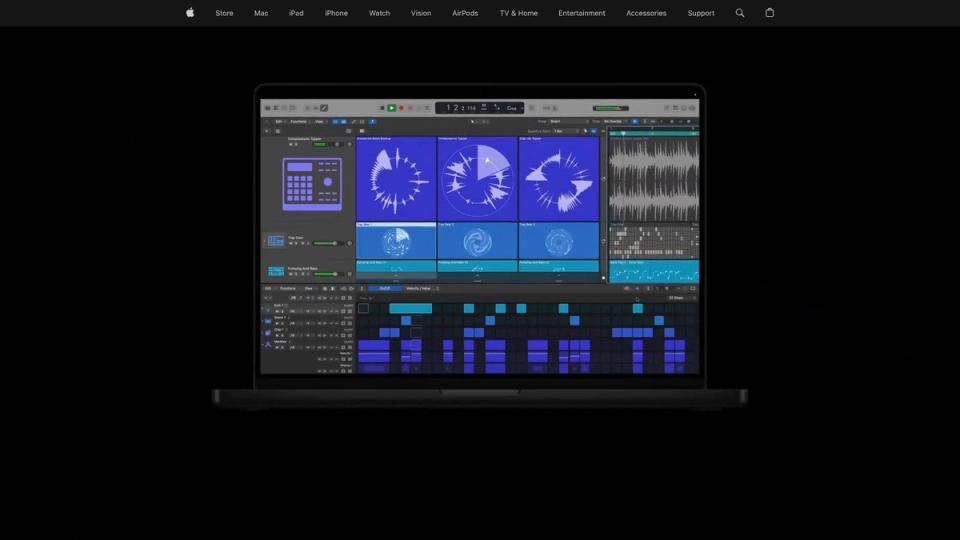
The system offers non-destructive tempo adjustments. You can conform a track with natural tempo drift to a fixed project BPM. This is ideal for prepping diverse submissions for a premiere schedule. Its strength lies in handling material other analysers might misread. The main drawbacks are its Mac exclusivity and hardware requirements. The one-time purchase price can also be a significant initial investment.
- Best for: Producers and channel owners who need to analyse the BPM of non-quantised, live, or variable-tempo recordings.
- Price: A one-time purchase from the Mac App Store; pricing may vary by region.
- Website: apple.com/logic-pro
Detect BPM inside your production workflow with FL Studio
FL Studio is a DAW offering a fast way to find the BPM of audio files. Its built-in features make it excellent beats per minute software for producers. The 'Detect tempo' function provides a quick estimate for demos or loops. For SoundCloud channel owners, this workflow is ideal for quickly assessing individual submissions. It allows you to prepare stems for premieres without leaving your production software.
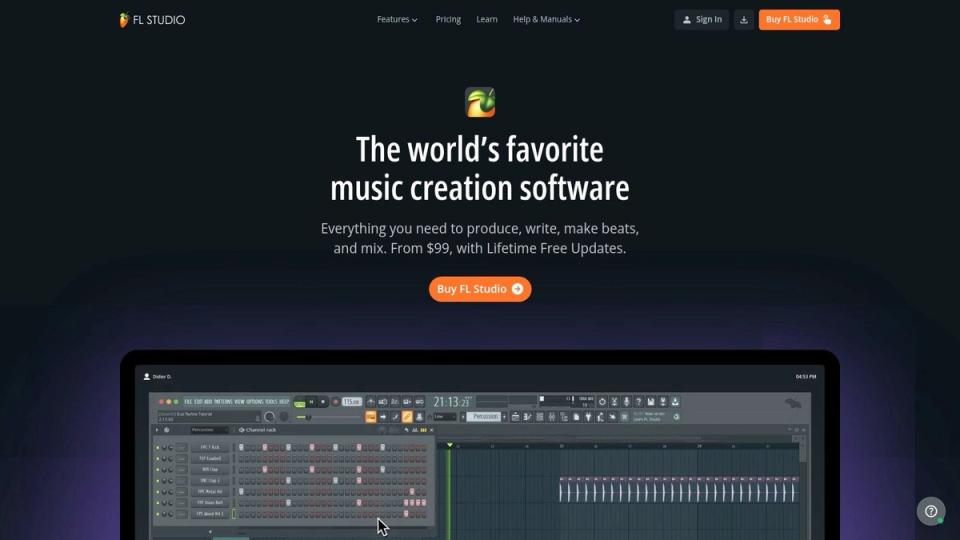
The platform’s strength lies in its integrated audio tools like Edison and the Sampler. You can slice, stretch, and time-correct audio with precision once the tempo is identified. This is useful for creating DJ edits for your channel. The main drawback is that it analyses files individually, making it unsuitable for bulk-tagging. The lifetime free updates policy is a major advantage.
- Best for: Producers and remixers who need to quickly detect and manipulate the tempo of individual audio files within their DAW.
- Price: Multiple editions are available, from a basic version to an all-plugins bundle. Lifetime free updates are included.
- Website: image-line.com/fl-studio
Run fast batch BPM analysis with MixMeister BPM Analyzer
MixMeister BPM Analyzer is a minimalist utility for channel owners who need one job done quickly. This lightweight application is designed solely to calculate the beats per minute of audio files. Its biggest strength is its simplicity and ability to perform batch analysis. For curators handling a high volume of premiere submissions, this offers a fast way to check tempos. You can sort potential tracks for a mix without a full-featured DJ application.
The software is exceptionally easy to learn, with a barebones interface. This focus makes it a great supplementary tool for your workflow. It is perfect for quickly verifying the BPM of a track before upload. It offers no advanced library management or key detection. Its lack of features is both a pro and a con.
- Best for: SoundCloud channel owners who need a quick, free tool for batch-analysing track BPMs before scheduling premieres or organising submissions.
- Price: Free.
- Website: mixmeister.com/bpm-analyzer.html
Use a free, open-source DJ suite with Mixxx
Mixxx is a free, open-source DJ application that serves as powerful beats per minute software. It offers automatic BPM and key detection, along with visual beatgrids. For SoundCloud channel owners, this is an excellent no-cost solution for scanning new music. Its cross-platform nature means your entire team can use it on any operating system. This helps maintain a consistent workflow.
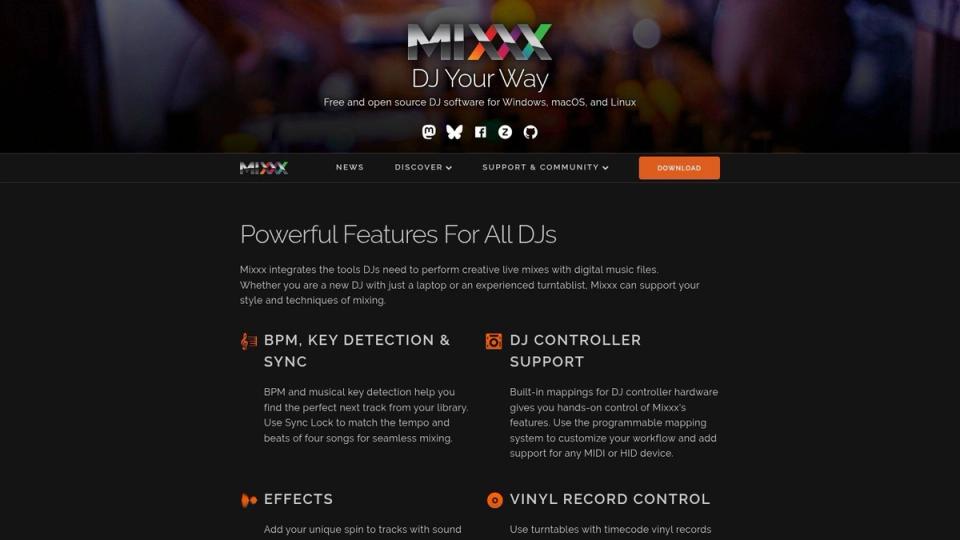
Beyond simple analysis, Mixxx is a full-featured DJ program. It has sync, recording, and even broadcasting capabilities. This allows you to test a track in a mix before scheduling it as a premiere. The main drawback is its BPM detection can sometimes be inaccurate. This may require some manual correction, but the active community provides solid support.
- Best for: Interns, new curators, and channel owners needing a completely free, all-in-one tool for BPM analysis and mix testing.
- Price: Free.
- Website: mixxx.org
Check BPM instantly in your browser with Tunebat
Tunebat is a convenient, browser-based beats per minute software. Its core function is a massive database for instant BPM and key lookups. For SoundCloud channel owners, this is perfect for a quick sanity check. If a submission's BPM seems off, a quick search on Tunebat provides a reliable second opinion. Its data is based on millions of tracks.
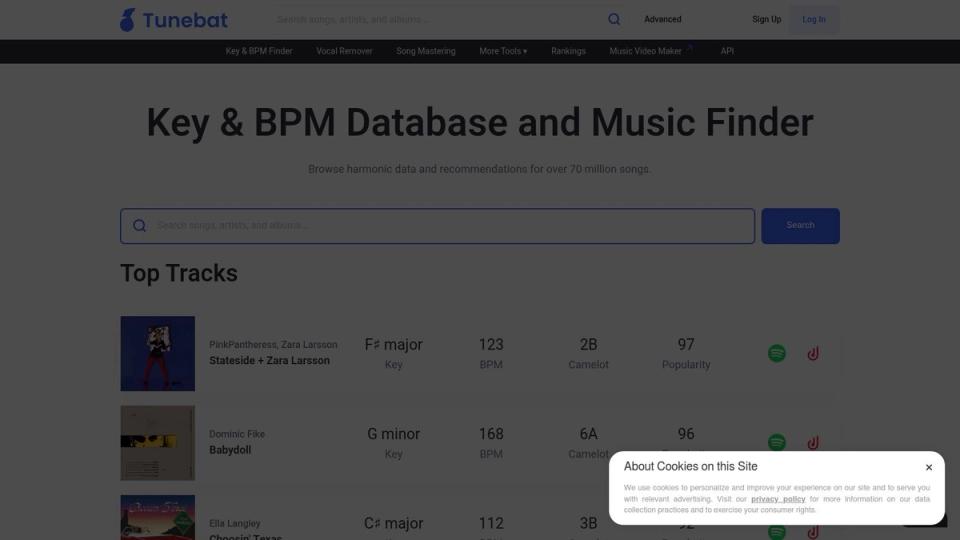
Beyond its database, Tunebat offers several free online tools. This includes a manual BPM tapper and a key/BPM changer. The platform is excellent for spot-checking well-known commercial tracks. However, accuracy for unreleased material can be less reliable than desktop software. While many features are free, advanced tools require a paid subscription.
- Best for: SoundCloud curators needing fast, browser-based BPM and key verification for well-known tracks or a quick second opinion.
- Price: Free for basic search and tools; a paid "Full Package" is required for advanced features.
- Website: tunebat.com
Integrate BPM analysis into your business workflow
Choosing the right beats per minute software is a key step in professionalising your channel. Our deep dive into these tools reveals a core truth. Accurate BPM detection is a foundational part of your channel's quality control. For premiere and repost channel operators, this precision builds trust with listeners and labels. Your choice of beats per minute software should fit neatly into your specific workflow.
- For high-volume channels: A dedicated batch analyser like MixMeister or beaTunes might be your best choice. These tools let you process dozens of submissions quickly.
- For DJ-centric channels: Using the analysis engines within Rekordbox, Serato, or Traktor makes sense. This ensures consistency across your brand.
- For production-focused curators: The built-in tempo detection of your DAW offers the most integrated solution. It keeps your process within a single environment.
The best beats per minute software is the one that becomes an invisible part of your operation. It should provide reliable data without demanding excessive manual effort. This frees you up to focus on curation and artist relationships. The goal is to establish a system where technical details like BPM are handled efficiently. This commitment to an organised workflow signals to artists and labels that you operate as a professional business.
Managing BPM is just one piece of running a premiere channel. To turn your premiere requests into a structured booking system, you need a tool built for the job. A premiere booking platform like Premierely helps you accept track submissions, collect payments with Stripe, and schedule uploads from one dashboard. You can also use download gates to collect emails and grow your social proof automatically.