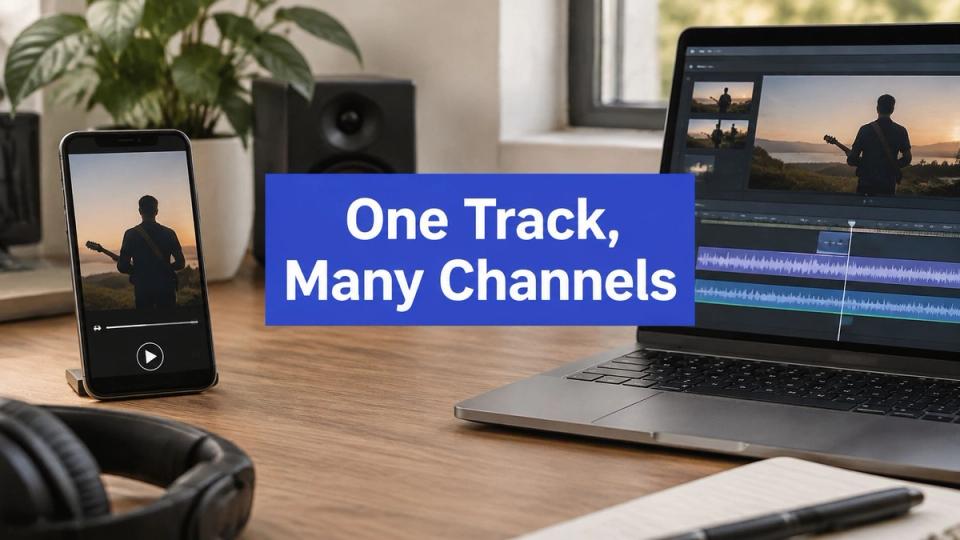
Your release is mastered, the artwork is finished, and the track still has to appear in four places this week. That's where the hours go. Not into the music, into the files.
Here's the destination list I keep for a release that has to land everywhere.
| Destination | Format | Dimensions | What it carries |
|---|---|---|---|
| SoundCloud | Audio track with artwork | Audio only | Full track with a formatted title and description |
| Vertical Story | 1080 x 1920 | Teaser clip that points to the premiere | |
| TikTok | Vertical video | 1080 x 1920 | Short clip that opens on the strongest moment |
| YouTube | Landscape full video | 1920 x 1080 | Full premiere video with a searchable title |
| YouTube | Vertical Short | 1080 x 1920 | Vertical teaser for the Shorts feed |
Write that list once and the week stops surprising you. Each destination wants a different shape of the same release, and the technical gap between them is wider than most curators expect. Cross-network guidance in Vista Social's video specs guide puts vertical short-form video at 1080 x 1920 pixels in a 9:16 frame, inside an MP4 or MOV container, at frame rates commonly between 23 and 60 fps, with duration and file size limits that change from platform to platform.
You render one file for each destination
The most common mistake is uploading a single export everywhere. One 16:9 file goes to TikTok, TikTok crops the sides, and half the artist name disappears. One compressed audio file goes to SoundCloud and the top end sounds thin next to the label's last upload.
The fix is to keep one master audio file and one master video file, then render a copy for each destination. Keep the lossless master for the audio platform and encode the distribution copy with AAC audio at around 128 kbps and a controlled video bitrate, so file size stays predictable without wrecking the source. If you're not sure which master format to hold on to, this walkthrough of audio file formats explains what each one is for.
- Keep one master. One lossless audio file and one high quality video file, stored where the whole team can reach them.
- Render a vertical copy. 1080 x 1920 for TikTok, Instagram Stories and YouTube Shorts.
- Render a horizontal copy. 1920 x 1080 for the full YouTube video, with the title in the first line of the description.
- Check each copy before it queues. Aspect ratio, duration, file size and audio level. The next section covers what to compare against.
If a release has no footage, a still artwork with slow movement does the job, and a music video tool for independent artists can generate a simple visual bed you can cut a vertical clip from. Keep the artist name inside the middle third of the frame so an interface overlay never covers it.
The rule I work to: one master file, one render per destination, no exceptions on premiere week.
Your booking system can take over the sending once the files exist. It drops the form answers into your templates, renders each destination its own format, audio and a formatted title to SoundCloud, a vertical Story to Instagram, a wide video and a vertical Short to YouTube, a vertical video to TikTok, then posts them at the time you set. You decide the files once.
Before the next release, list your destinations on one line each and write down which file goes where. That page is your whole production plan.
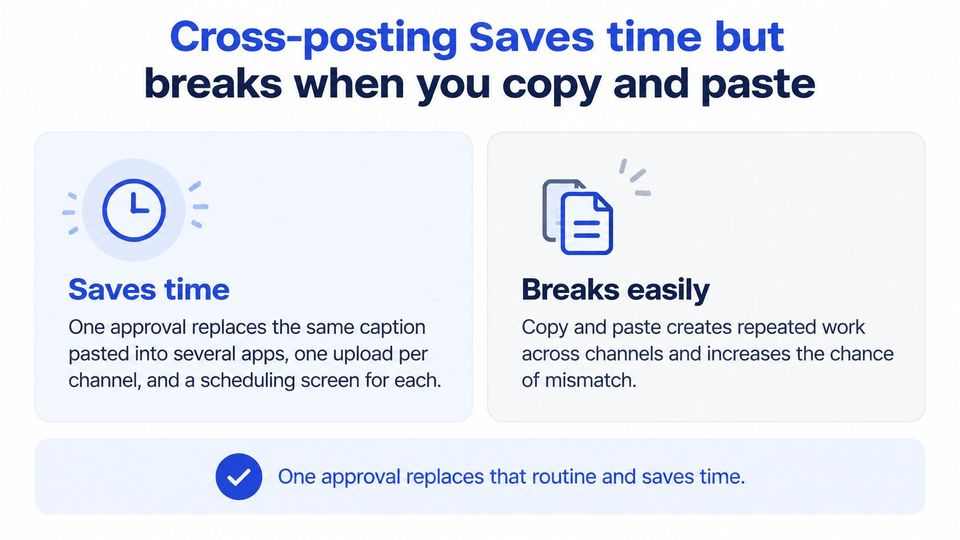
Cross-posting saves time but breaks when you copy and paste
Count the repeat work in a normal premiere week. The same caption pasted into four apps. One upload per channel. A scheduling screen for each one. One approval replaces that routine and saves you time on every release, and the reach argument holds too, because each platform brings listeners the others don't have.
Scale explains why the practice stuck. DataReportal's Digital 2025 report put global social media identities at about 5.24 billion in early 2025, roughly 63.9% of the world's population, with 4.1% growth over the previous twelve months, and its February 2025 figures placed YouTube at about 2.53 billion users, Instagram at 2.00 billion and TikTok at 1.59 billion, excluding Douyin. Those audiences behave differently and don't overlap as much as curators assume.
Where the savings stop
The copy is where it breaks. A study of 676,779 posts from 53 news organizations across Facebook, Instagram, Twitter and YouTube found that engagement on one platform did not reliably predict engagement on another, even when the same teams reused similar posts, as reported in this Springer study on cross-platform engagement. The same work found that cross-sharing can lift engagement on another platform when it opens a complementary path rather than a duplicate one.
So the trade-offs are worth writing down:
- Saves time on repeat uploads. Less clicking, fewer tabs, fewer forgotten channels.
- Adds reach on platforms with different listeners. A premiere crowd on SoundCloud and a discovery crowd on TikTok are not the same people.
- Does not carry engagement across. A strong SoundCloud premiere tells you almost nothing about how the TikTok clip will land.
- Cannot write the hook for you. The first two seconds of the vertical clip are still your judgement.
One record, several versions
Build a single release record with the artist, track, artwork, preview link, the URL the release points to, and the publication time. Then generate each version from it.
SoundCloud gets a concise repost caption with listening context, the label, the scene, the tempo, whatever earns the click. If the upload side is what eats your week, this guide to automating SoundCloud uploads covers the scheduling mechanics. YouTube gets a searchable title and a description that repeats the artist and track in plain words. Instagram Stories and TikTok need an immediate visual or spoken hook, because nobody reads first.
Measure it properly: engagements divided by impressions or views, per platform. Watch time, shares, saves and sends beat raw likes every time.
You check every file before it enters the queue
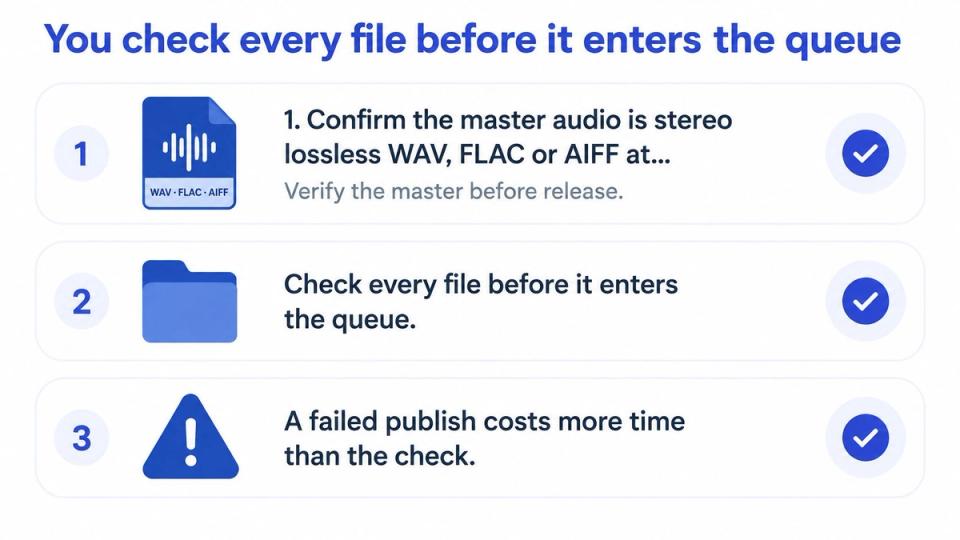
A failed publish costs more than any check. It costs a slot on release day, an apologetic message to the artist, and a re-run of a schedule you'd already confirmed. So the checks happen before the queue, not after.
SoundCloud publishes its own upload requirements, and they decide more releases than curators admit.
The five checks
- Confirm the master audio. Stereo, lossless WAV, FLAC or AIFF, at 16-bit/44.1 kHz or higher, with about -0.5 to -1 dBFS of headroom so the loudest peaks don't clip on the way in.
- Compare file size and length against the SoundCloud rows in the table below.
- Check the upload time left on your account. SoundCloud counts the allowance in total hours, not per track, so one long mix can eat a small allowance in a single upload. Confirm what your current plan allows in the upload requirements before you schedule.
- Check every vertical file against the TikTok rows and re-render anything that fails rather than hoping the app fixes it.
- Schedule only after every file passes. A gap in the queue is easier to explain than a broken post.
An automatic crop hides the thing you most wanted seen: the artist name, the label mark, the waveform that tells a listener this is a premiere and not a repost. That's why check four exists.
The TikTok column in the table below comes from TikTok's media transfer guide, which sets the container, codec and dimension rules that decide whether a file transfers at all.
The limits that decide a scheduled post
| Destination | Check | Limit |
|---|---|---|
| SoundCloud | Maximum file size | 4 GB per file |
| SoundCloud | Maximum track length | 24 hours |
| SoundCloud | Upload time allowance | Check the current allowance on your plan in the upload requirements |
| TikTok | Frame rate | 23 to 60 fps |
| TikTok | Pixels per side | 360 to 4096 pixels |
| TikTok | Maximum file size | 4 GB |
| TikTok | Video length | Check the current duration limit for your account in the media transfer guide |
Each destination gets checked on its own terms because each one receives a different file. A YouTube render that passes every row can still be the wrong file for a TikTok slot.
Copy the sheet for each release and give it one line per destination: file name, pass or fail, and who owns the fix. On a week where three bookers send assets at once, that column is the only thing standing between you and a silent failure.
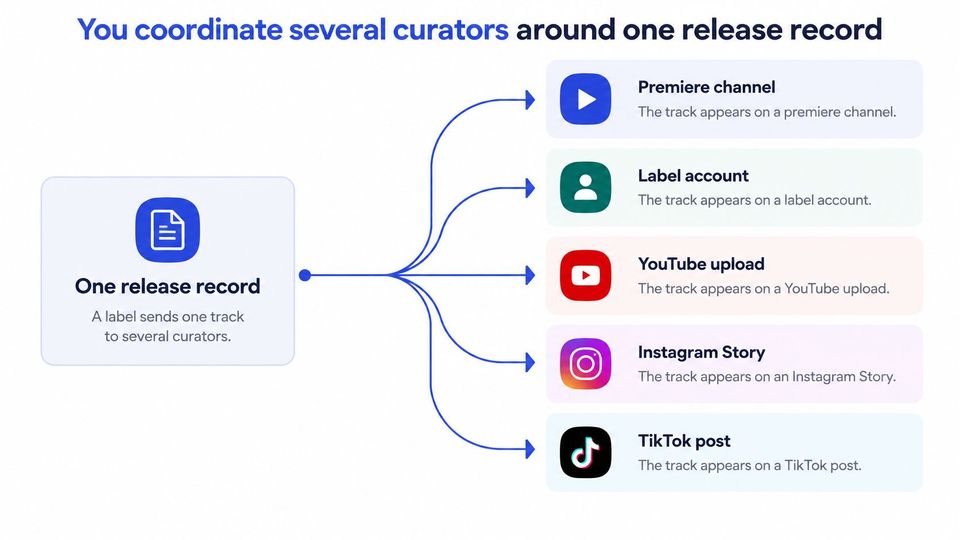
You coordinate several curators around one release record
A label sends one track to four curators. Over the week the same track shows up on a premiere channel, the label's own account, a YouTube upload, an Instagram Story and a TikTok post. Ask which of those drove the follows or the email sign-ups and nobody can answer, because the links say nothing and the campaign tags don't exist.
That's an attribution problem before it's a reach problem, and it gets more expensive as listening moves onto social platforms, the shift Deloitte's 2025 digital media trends survey tracks.
Four rules that keep it straight
- Give each curator one agreed window so two posts don't land on the same platform the same day.
- Put a unique link or campaign tag on every post and log it against the release record.
- Agree in writing who may edit the artwork, how a takedown request travels, and who pays for any paid promotion.
- Send listeners to one release hub that captures permissioned email sign-ups you own.
A smaller campaign you can measure beats a bigger one you can't.
Rule four is the one curators skip, and it's the one that pays back longest. A track that collects 2,000 listens locked inside platform analytics is worth less to a label than one that collects 400 listens and 150 email addresses the label can reach again. Follower counts sit on rented ground. An email list is the part of the audience you hold.
The order a release lands in
The booking system is what keeps the order intact. Every request lands in one queue. On the Pro plan, one approval schedules the premiere and publishes it to every connected channel, while Free and Plus publish to one channel. That same approval also renders each destination its own format: audio and a formatted title for SoundCloud, a vertical Story for Instagram, a wide video and a vertical Short for YouTube, a vertical clip for TikTok. After you approve a booking, the booker uploads the audio, artwork and details themselves, so you're never chasing files across email threads. If you're already fielding a high volume of submissions, this guide to managing SoundCloud submissions covers the queue side in more detail.
| Day | Channel | Asset | Purpose |
|---|---|---|---|
| Day 0 | SoundCloud | Full audio with artwork | Main listen and premiere moment |
| Day 0 | Vertical Story teaser | Sends followers to the premiere | |
| Day 1 | TikTok | Short vertical clip | Hook for listeners who find the track through discovery |
| Day 2 | YouTube | Landscape full video | Searchable full version for later listens |
| Day 3 | YouTube | Vertical Short | Teaser for the Shorts feed |
| Day 7 | SoundCloud | Repost caption | Reminder for listeners who missed the premiere |
The booking calendar holds the date so two premieres don't collide in the same slot, and titles and descriptions get formatted to your convention every time instead of being retyped at 1am.
Curators ask four questions before they start
Do all platforms need to post on the same day? No. Stagger them across the first week using the offsets in the sequence table, and keep the SoundCloud premiere as day zero. Spreading the posts also gives each version its own window instead of fighting for the same hour.
Does one approval publish to every channel? Only with multi-channel publishing, which is a Pro feature. Confirm which plan covers the channels on your list before you promise a label the full set. Single-channel publishing still saves the manual upload, just not the whole spread.
What happens when a file fails a check? Re-render that one file, reschedule it, and leave the release record untouched. The other copies still match the record, so nothing else needs rebuilding.
Can a curator change the artwork? Only if your written agreement allows edits. When it doesn't, send the original file with the correct dimensions and clearly state this, so nobody crops the label mark off in a feed.
You start with two channels and one release record
Pick the two or three channels that fit this release. Every extra channel adds a file to render, a caption to write and a check to run, and a thin version on five platforms reads worse than a strong version on two.
Build the release record first: artist, track, artwork, preview link, destination URL and publication time. Then render one file per channel from the destination table and run the checks from the limits table before anything enters the queue.
Premierely is a booking system where artists find your public storefront, book a premiere or repost, and pay there, while you approve or reject from one queue. Its Free plan includes a shareable premiere and repost form, a booking calendar, repost automation including instant repost, and Stripe payments, so you can run the whole route at no cost to start. Multi-channel publishing needs the Pro plan, so check the plan against the channels you run before release week.
Write down the channels, the post order and the owner of each file before the next release goes live. Half the mess of a premiere week disappears on the day you can point at that list.
Premierely takes the file you approved and sends it to every channel you've connected, so the render, the caption and the timing all come from one decision instead of four. If you want to see how a booked premiere moves from request to published post, visit Premierely and look at the booking flow from the curator's side. Start with the release you have coming up, not the one after it.